Фильтрация не прекращается, когда AdGuard Mini отключён
информация
Эта статья об AdGuard Mini для Mac, которое защищает только браузер Safari. Скачайте приложение AdGuard, чтобы полностью защитить ваш Mac
Если фильтрация не прекращается, даже если AdGuard Mini отключён, это может быть связано с тем, что блокировщики контента слишком долго обновляются.
Как исправить
- Откройте Safari.
- Нажмите Safari в левом верхнем углу меню.
- Нажмите Настройки… → Расширения.
- Уберите галочки с расширений AdGuard Mini: Пользовательские, Основные, Другие, Конфиденциальность, Безопасность, Виджеты соцсетей и AdGuard для Safari.
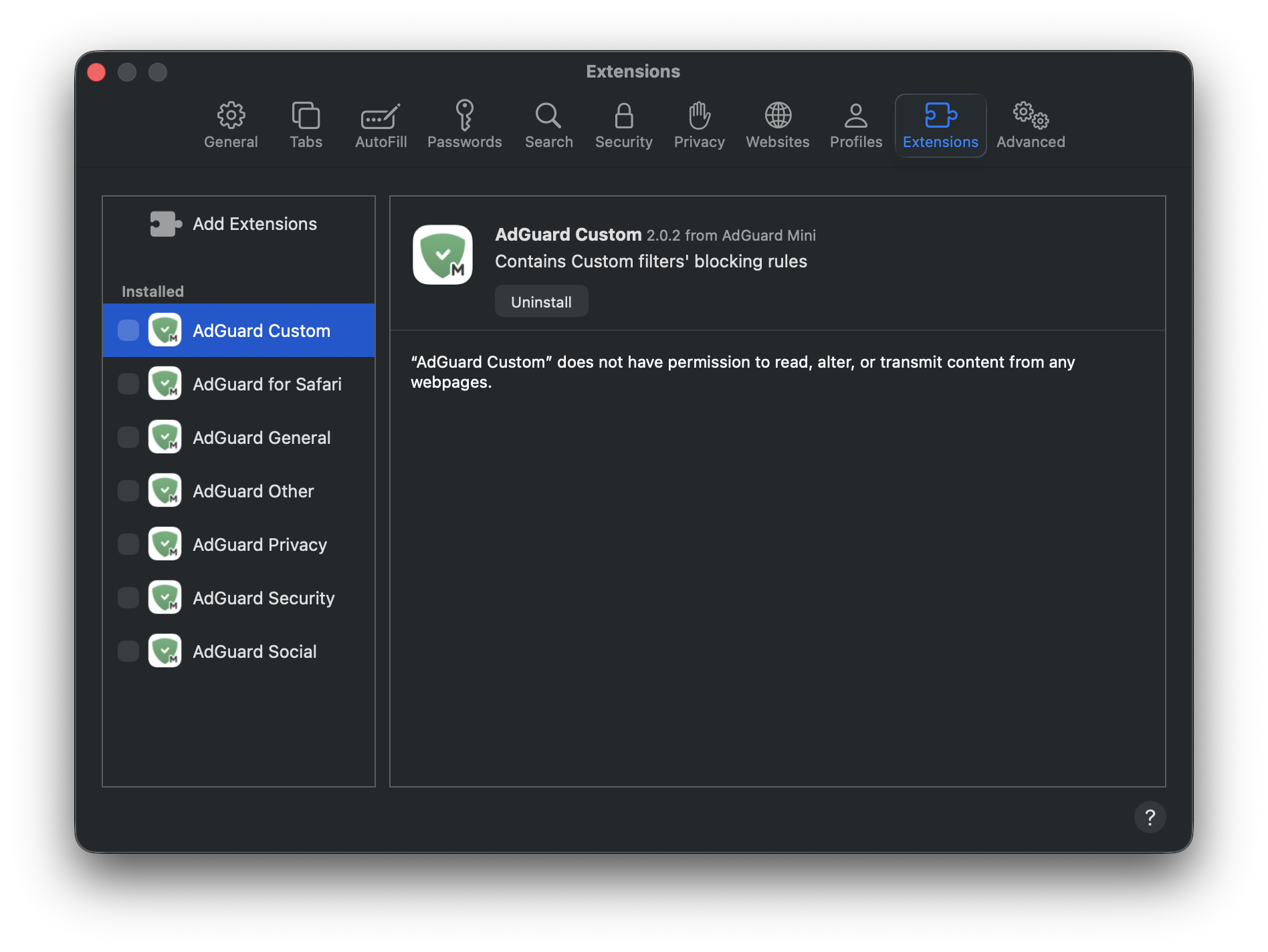
- Перезапустите Safari.
- Вернитесь в Safari → Настройки... → Расширения и снова включите расширения AdGuard.
Теперь всё будет как надо: фильтрация работает при включённом AdGuard Mini и не работает при выключенном.