Фильтры
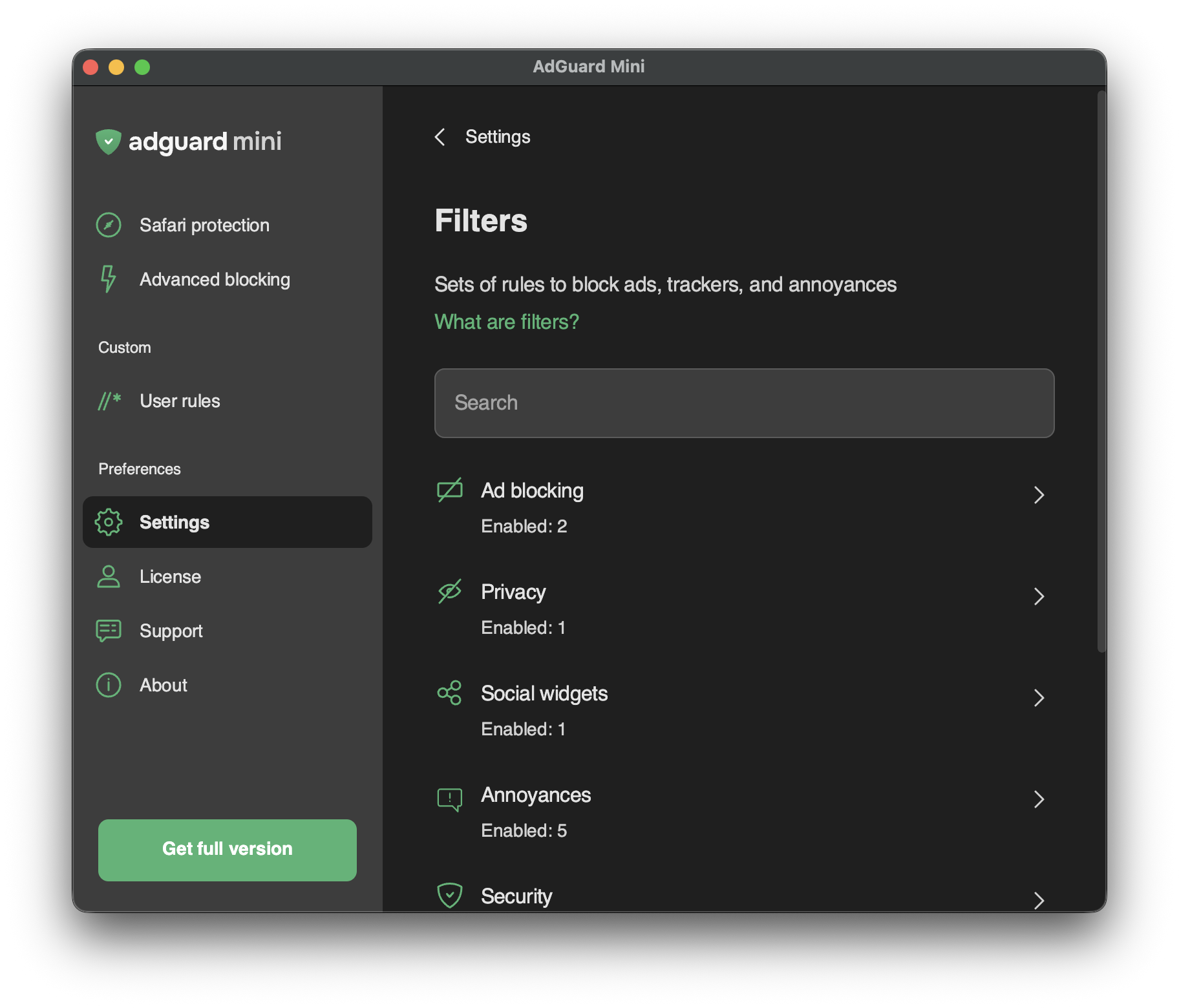
В разделе Настройки → Фильтры вы можете включить отдельные фильтры или целые категории фильтров.
Фильтры — это основа блокировки рекламы, и по сути, именно они поддерживают чистоту интернета. Фильтр — это список правил, написанных в специальном синтаксисе. Блокировщики контента считывают эти правила и блокируют рекламу или запросы к опасным сайтам.
Фильтры объединены в восемь тематических категорий: Блокировка рекламы, Конфиденциальность, Виджеты соцсетей, Фильтры раздражителей, Безопасность, Языковые фильтры, Пользовательские и Другие фильтры.
Подробнее о фильтрах AdGuard или фильтрации рекламы в целом.
Изменения в Фильтрах также отражаются в Настройках → Расширения Safari.
Собственные фильтры
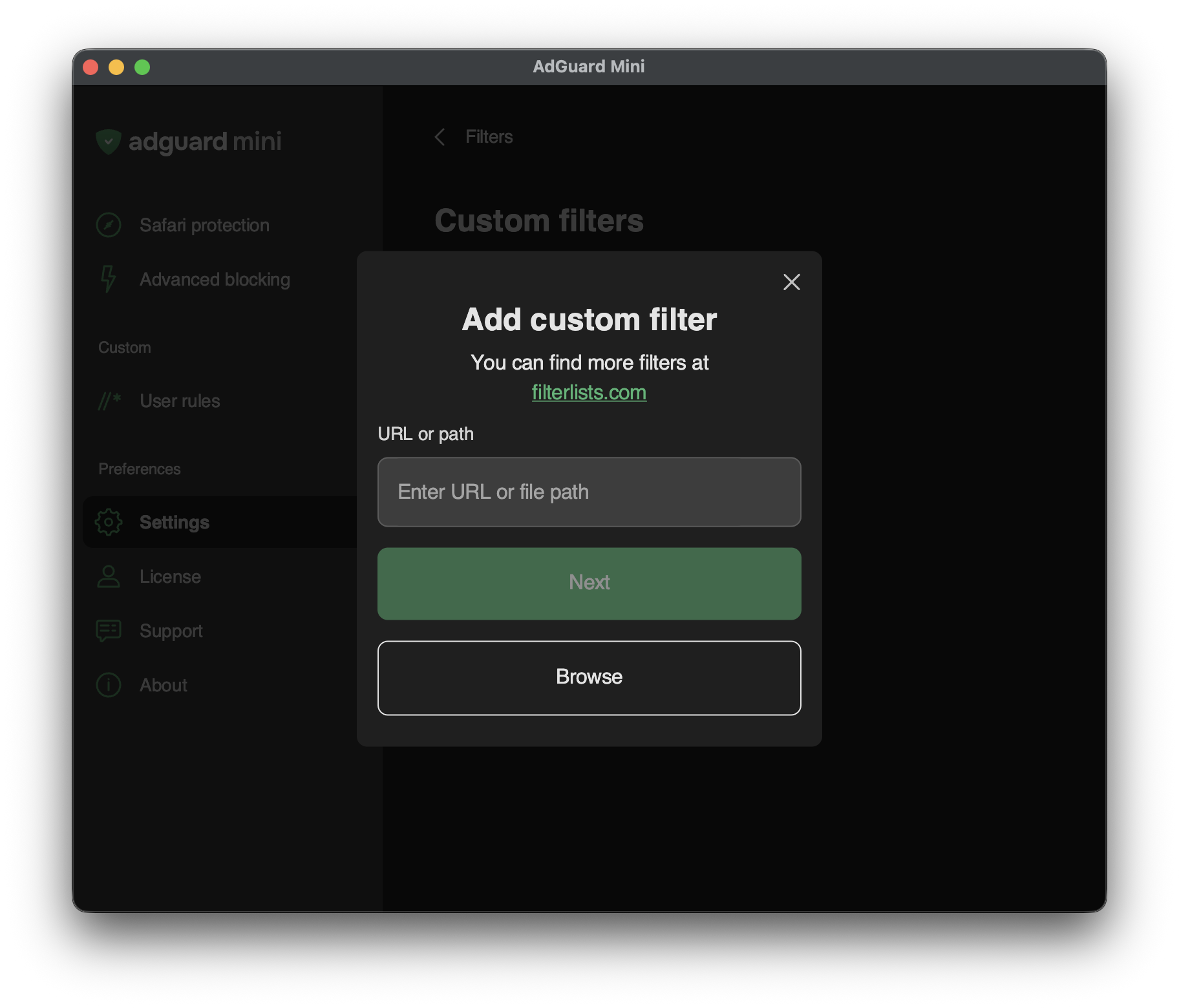
Чтобы добавить пользовательский фильтр, перейдите в Настройки → Фильтры → Пользовательские фильтры и введите URL или локальный путь к файлу в соответствующее поле.
Больше фильтров можно найти на сайте filterlists.com.