AdGuard beta testing
Try AdGuard products for free, be the first to test new features, and report bugs to help millions of users get the best AdGuard experience
AdGuard for WindowsAdGuard for MacAdGuard for AndroidAdGuard for iOSAdGuard Browser ExtensionAdGuard Mini for MacAdGuard HomeAdGuard Content BlockerAdGuard for Linux
AdGuard Browser Extension
AdGuard Mini for Mac
AdGuard Home
AdGuard Content Blocker
AdGuard for Linux
Other products




AdGuard for Windows
Our system-wide ad blocker for Windows. To get the latest beta or nightly version, click the button below


AdGuard for Mac
Our system-wide ad blocker for Mac. To get the latest beta or nightly version, click the button below






AdGuard for Android
Our system-wide ad blocker for Android. To get the latest beta or nightly version, download it from here or switch to the respective channel in your app settings for automatic updates




AdGuard for iOS
Our iOS ad blocker that uses filtering rules for Safari and DNS blocking rules for other apps
To get AdGuard for iOS beta, install TestFlight on your iOS device and click Join us. Specify your device. You will receive an invitation to join the AdGuard for iOS beta testing program
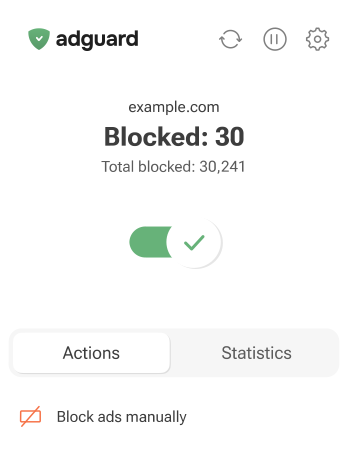

AdGuard Browser Extension
Our lightweight ad-blocking extension for the most popular browsers. To get the latest beta version, click the button below
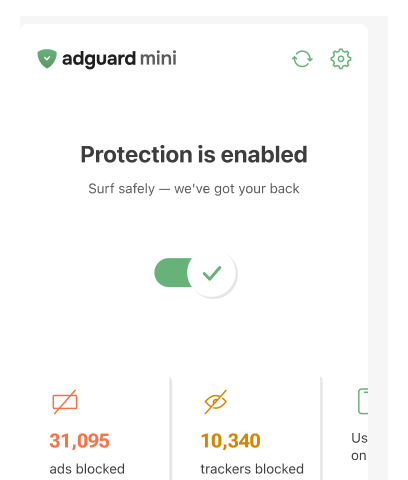


AdGuard Mini for Mac
Our lightweight ad-blocking extension for Safari
You can get the latest beta version from this page or from TestFlight. TestFlight makes it easy to send feedback and manage multiple beta apps

AdGuard Home
Our network-wide software for blocking ads and trackers. To learn more about testing and get the latest beta version, click the button below



AdGuard Content Blocker
Our easy-to-use Android app to block ads in Samsung Internet Browser and Yandex Browser. To get the latest beta version, click the button below

AdGuard for Linux
To get the latest beta or nightly version of AdGuard for Linux, click the button below and follow the instructions
How to install and use AdGuard on Linux
Install AdGuard for Linux
Open the Linux command line (Terminal) by pressing Ctrl+Alt+T.To install the latest beta version, enter:Open the Linux command line (Terminal) by pressing Ctrl+Alt+T.To install the latest nightly version, enter:curl -fsSL https://raw.githubusercontent.com/AdguardTeam/AdGuardCLI/${(productPresentationSlotProps.releaseType || "beta").toLowerCase()}/install.sh | sh -s -- -vCopiedPress Y to create a link in /usr/local/bin to the executable.Get a free trial or activate your license
Log in or sign up to get a free 14-day trial of AdGuard for Linux or activate your license:adguard-cli activateCopiedComplete the initial setup
Run the AdGuard configuration wizard:adguard-cli configureCopiedEnable protection
Enable AdGuard for Linux to start blocking ads and trackers in all browsers and apps:adguard-cli startCopiedAdjust your settings
Get a list of all available AdGuard commands to customize AdGuard to your needs:adguard-cli --help-allCopied
How to become a beta tester
- 1. Fill out the formFill out the form and tell us what product you want to test, why, and on what device. Describe your testing experience
- 2. Wait for a replyIf you qualify, we will contact you and send you a license key or renew your existing license
- 3. TestDownload the latest beta version of AdGuard and start using it. To report a bug or suggest a new feature, go to GitHub, find the repository you need, click New issue, select Feature request or Bug report, and click Get started. Fill out all fields and click Submit new issue



