Tracking protection (formerly Stealth Mode)
この記事は、お使いのブラウザのみを保護する「AdGuard ブラウザ拡張機能」に関するものです。デバイス全体を保護するには、AdGuardアプリをダウンロードしてください。
The purpose of Tracking protection is to safeguard your sensitive personal data from online trackers and fraudsters. There are slight differences in the tracking protection features between Chromium-based browsers, which support MV3, and non-Chromium browsers, which support MV2.
Tracking protection in Chromium-based browsers
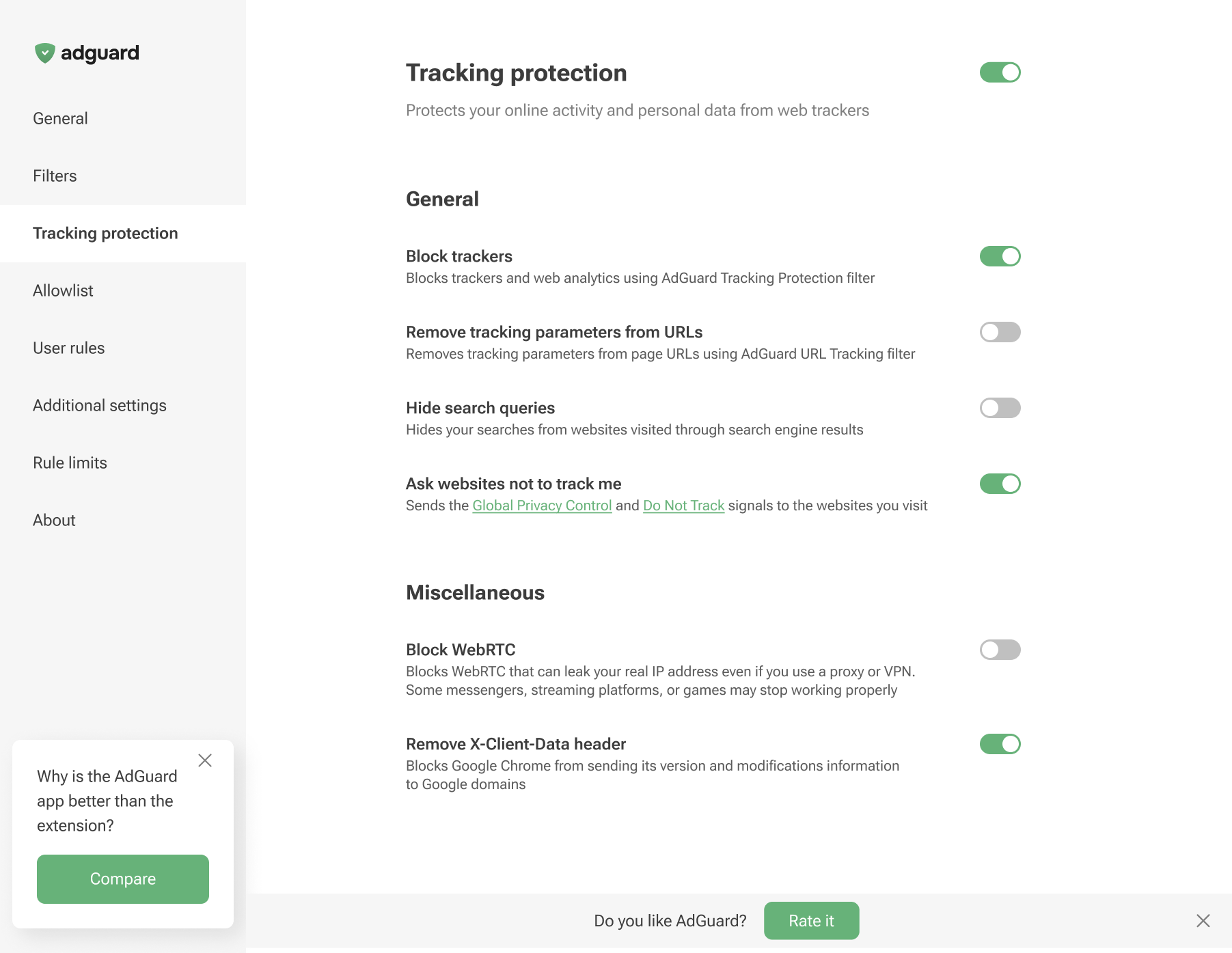
Tracking protection in non-Chromium browsers
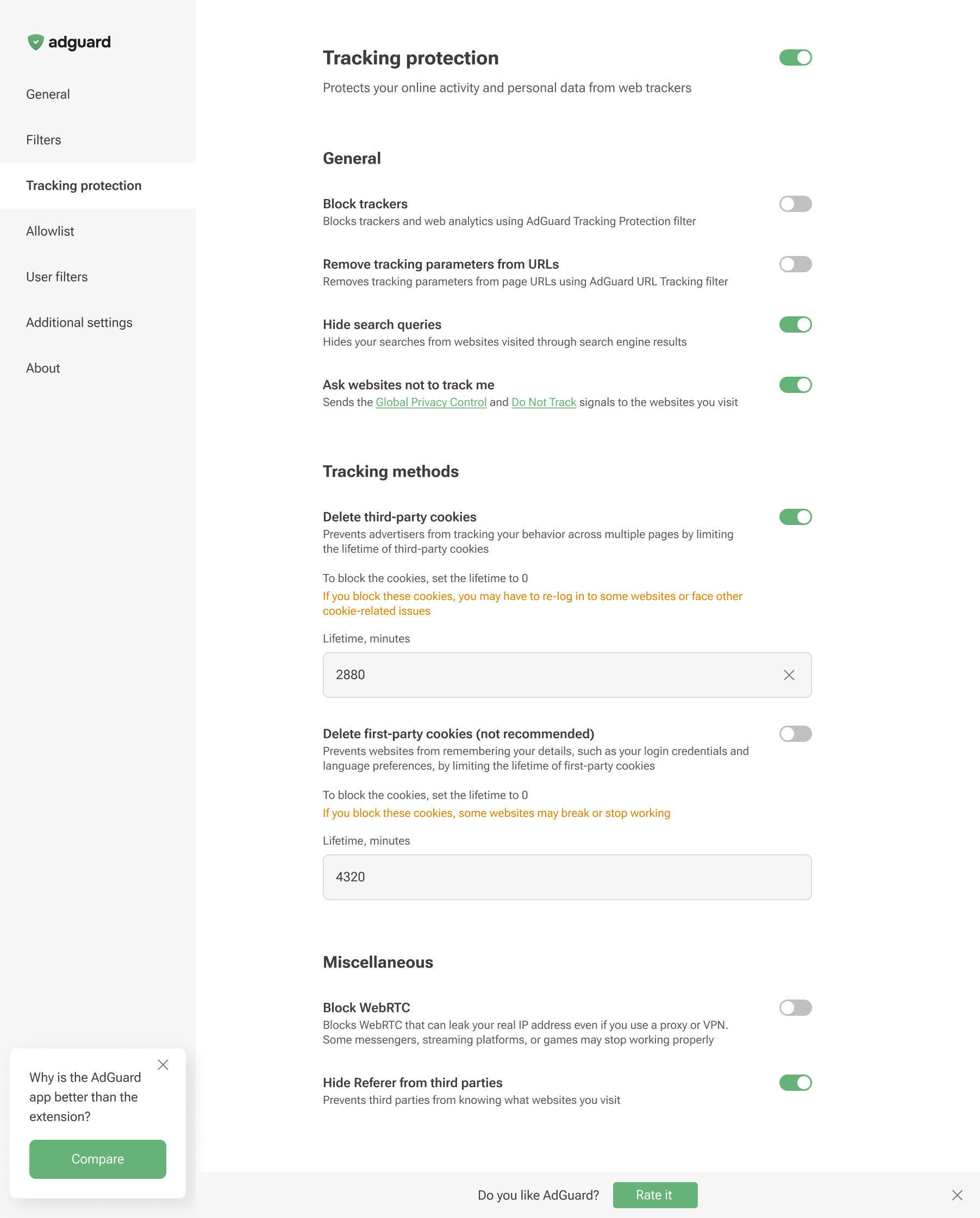
Tracking protection features prevent websites from seeing the search query you used to find them on the Internet, automatically delete third-party and website cookies, and more. A separate article is devoted to all these features.
Browser extensions are limited to a specific browser and are subject to its technical restrictions. Therefore, they cannot offer all the tracking protection features available in full-fledged ad-blocking apps.
In AdGuard Browser Extension, the Block WebRTC option works globally — it either blocks or allows WebRTC for all websites. It cannot be controlled on a per-site basis. Exception rules like @@||example.com^$stealth=webrtc have no effect in the browser extension because the webrtc option is not among the supported $stealth modifier options. If you need per-site WebRTC control, use the full-fledged AdGuard app for Windows, Mac, or Android.