Tracking protection (formerly Stealth Mode)
This article is about AdGuard Browser Extension, which safeguards only your browser. To protect your entire device, download the AdGuard app
The purpose of Tracking protection is to safeguard your sensitive personal data from online trackers and fraudsters. There are slight differences in the tracking protection features between Chromium-based browsers, which support MV3, and non-Chromium browsers, which support MV2.
Tracking protection in Chromium-based browsers
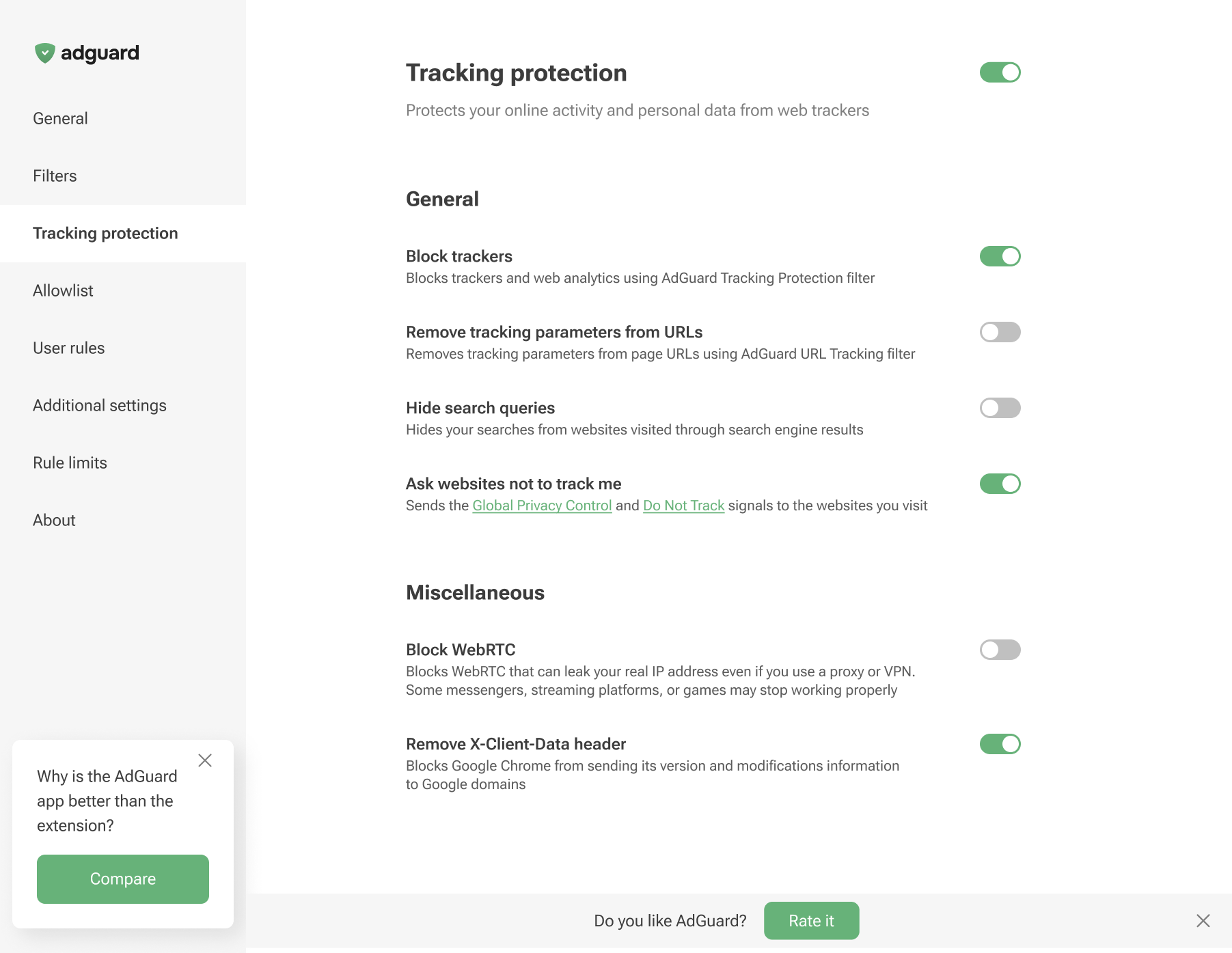
Tracking protection in non-Chromium browsers
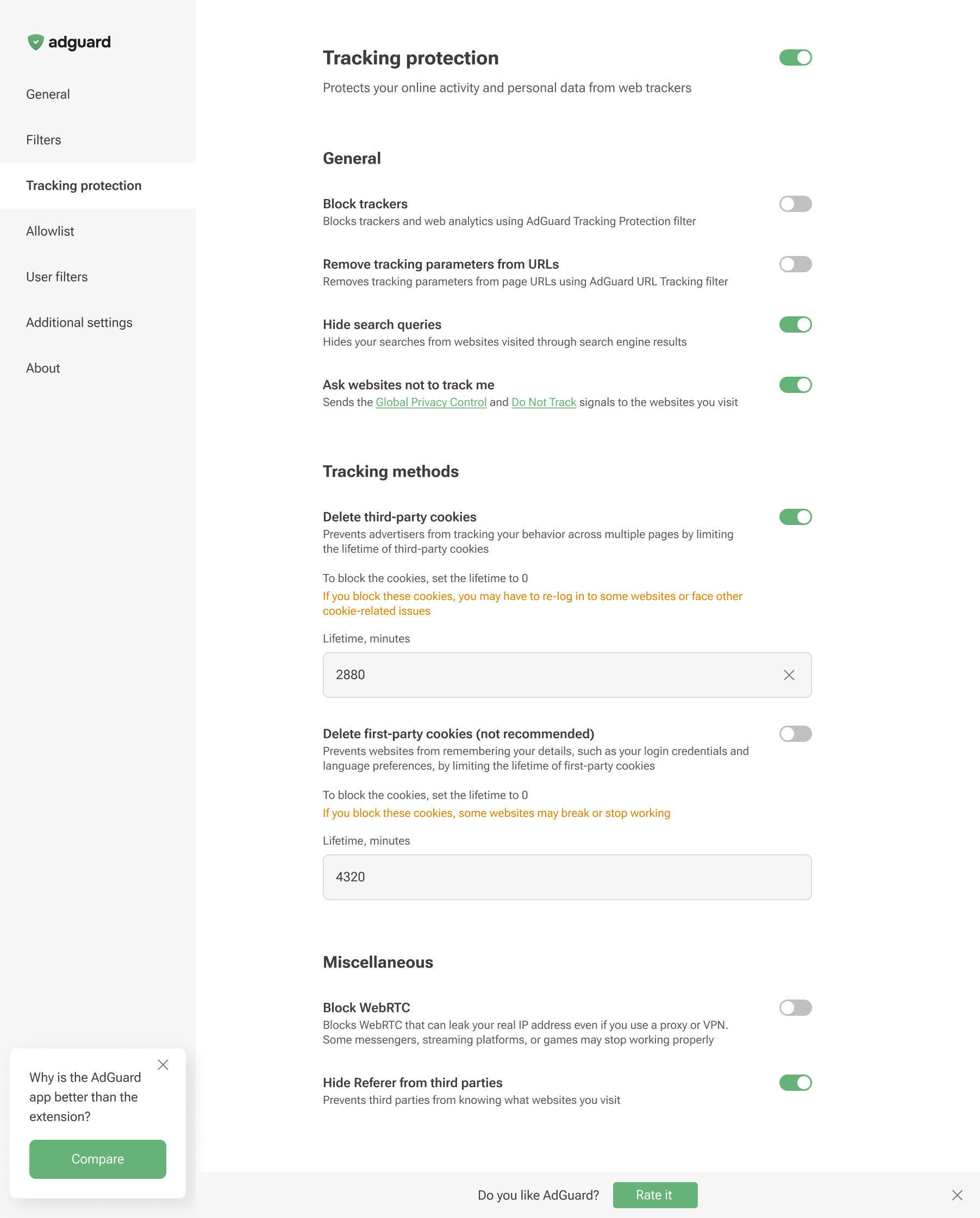
Tracking protection features prevent websites from seeing the search query you used to find them on the Internet, automatically delete third-party and website cookies, and more. A separate article is devoted to all these features.
Browser extensions are limited to a specific browser and are subject to its technical restrictions. Therefore, they cannot offer all the tracking protection features available in full-fledged ad-blocking apps.
In AdGuard Browser Extension, the Block WebRTC option works globally — it either blocks or allows WebRTC for all websites. It cannot be controlled on a per-site basis. Exception rules like @@||example.com^$stealth=webrtc have no effect in the browser extension because the webrtc option is not among the supported $stealth modifier options. If you need per-site WebRTC control, use the full-fledged AdGuard app for Windows, Mac, or Android.