Altre funzioni e opzioni
Questo articolo riguarda l'Estensione di browser AdGuard, che protegge solo il tuo browser. Per proteggere l'intero dispositivo, scarica l'app AdGuard
Oltre ai grandi moduli chiave dell'estensione del browser AdGuard, ci sono molte altre funzioni specifiche che possono essere configurate nelle schede Generale e Impostazioni aggiuntive delle impostazioni dell'estensione.
Generale
Nella scheda Generale, puoi consentire la ricerca di inserzioni e l'auto-promozione dei siti web, abilitare l'attivazione automatica di filtri specifici per la lingua, indicare l'intervallo di aggiornamento dei filtri, ecc.
! [Generale *border] (https://cdn.adtidy.org/content/Kb/ad_blocker/browser_extension/ad_blocker_browser_extension_general.png)
Inoltre, qui puoi abilitare la Protezione da phishing e malware.
Puoi salvare la configurazione delle tue impostazioni cliccando il pulsante Esporta impostazioni. Le impostazioni saranno salvate come un file .json. Per importare la configurazione d'impostazioni precedentemente salvata, usa la funzione Importa impostazioni. Puoi anche usarla per passare tra diversi profili di impostazioni, o anche per trasferire le configurazioni di impostazioni tra browser differenti.
Impostazioni aggiuntive
La sezione delle Impostazioni aggiuntive contiene una gamma di varie impostazioni, correlate a processo di blocco delle inserzioni e utilizzabilità dell'applicazione.
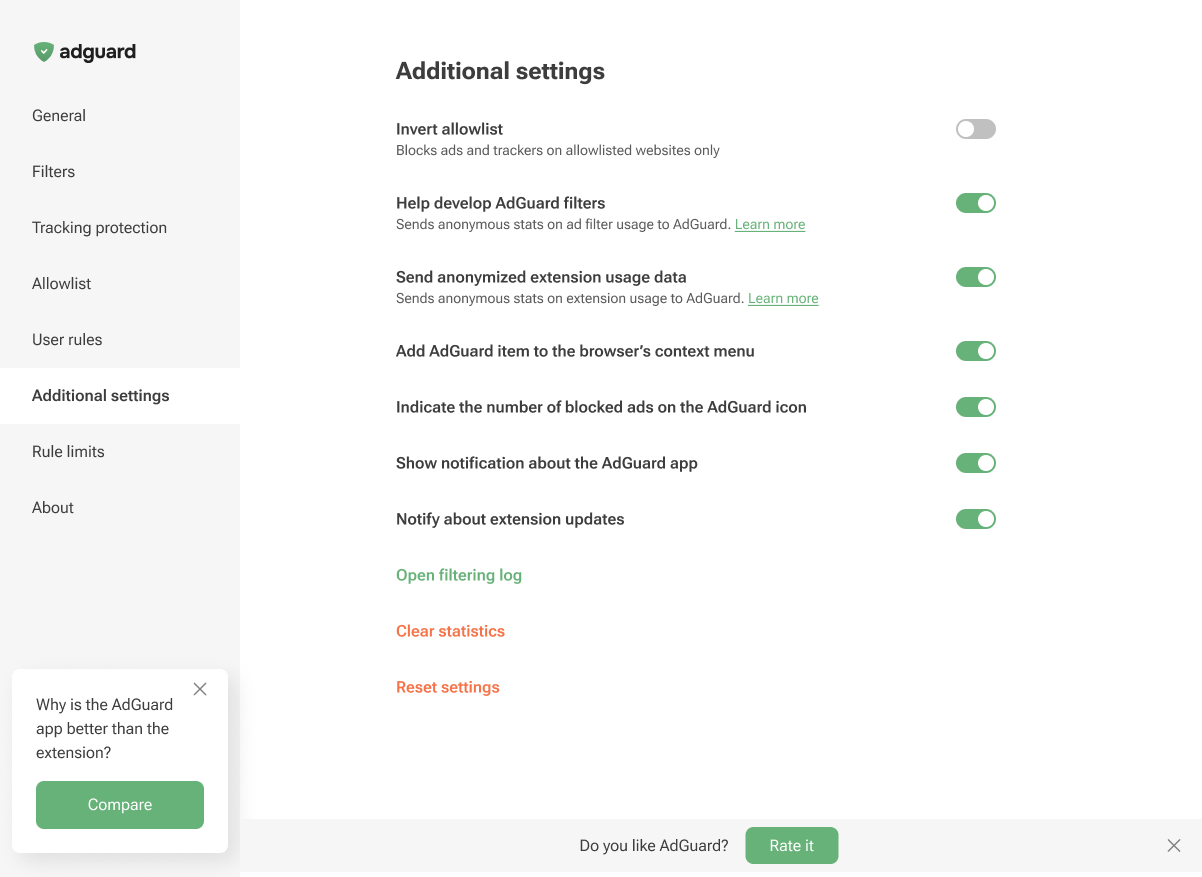
From this tab, you can invert the allowlist and add the AdGuard item to the browser’s context menu. You can also enable the display of the number of blocked ads on the AdGuard icon and notifications about extension updates. Additionally, this section lets you enable notifications about the AdGuard app, open the Filtering log, clear the statistics of blocked ads and trackers, or reset the settings.
Inoltre, puoi decidere di aiutarci con lo sviluppo dei filtri, inviandoci le statistiche sulle regole applicate: quali sono innescate, in quali siti web e quanto spesso. Questa opzione è disabilitata di default in quanto non raccogliamo dati dell'utente senza consenso. Tuttavia, se l'abiliti, tutti i dati saranno strettamente anonimizzati.
You can also choose to help us improve the extension by sending us anonymized usage data. This includes the names of the screens you interact with, the names of the buttons you click, and session identifiers. These insights help us understand where users run into friction, refine the experience, and make the extension faster and easier to use. The Send anonymized usage data option is disabled by default. If you enable it, all data will be strictly anonymized and used only internally. It will never be shared with third parties.
The Send anonymized usage data option can also be enabled on the post-installation page in Chromium-based browsers.
About
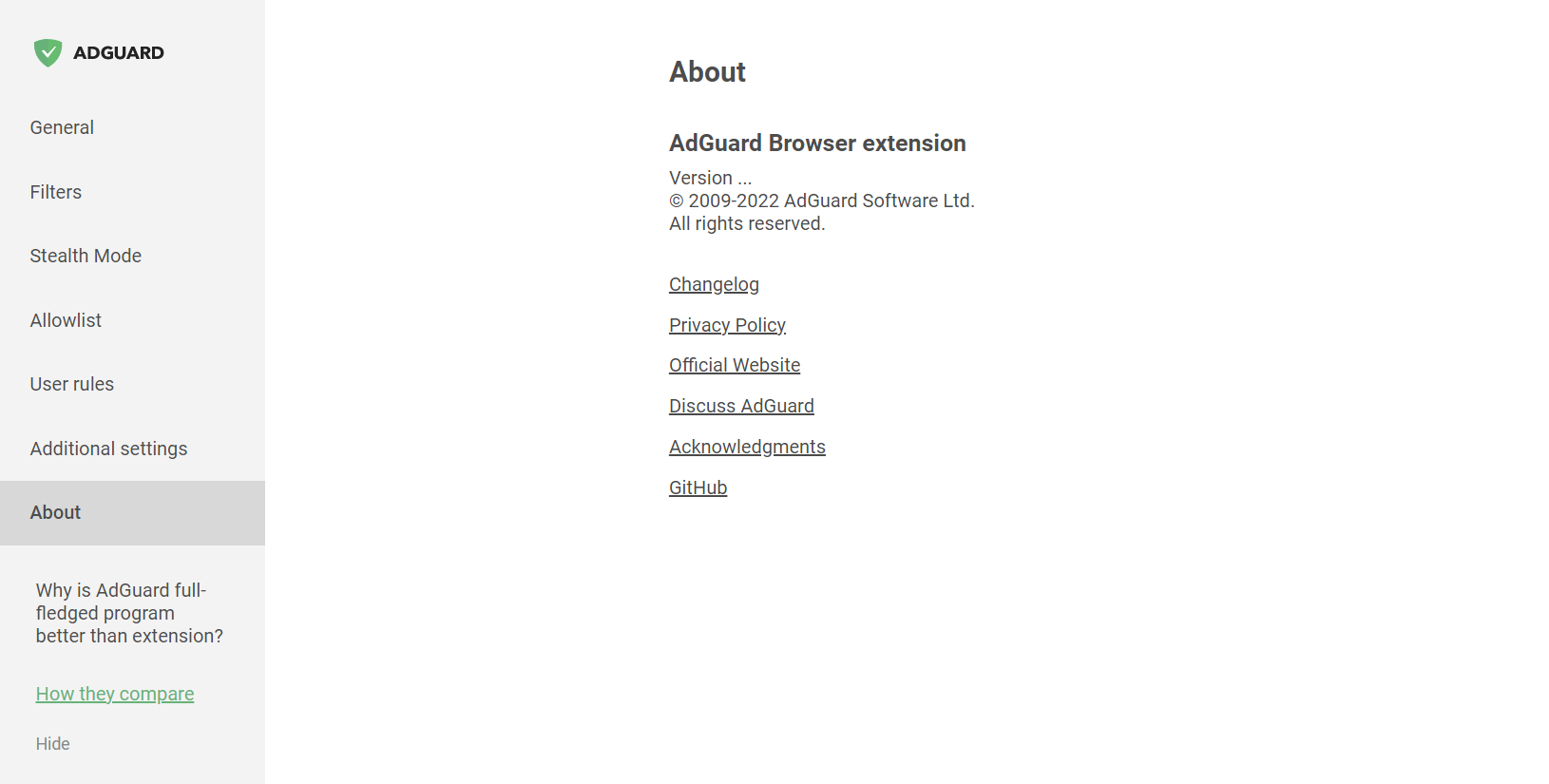
In the About section, you can find info about the current version, links to the EULA and Privacy policy, and to the repository of the Browser extension on GitHub.