Other features and options
This article is about AdGuard Browser Extension, which safeguards only your browser. To protect your entire device, download the AdGuard app
Apart from the large key modules of AdGuard Browser Extension, there are several more specific features that can be configured in the General and Additional settings tabs of the extension settings.
General
In the General tab, you can allow search ads and the self-promotion of websites, enable the automatic activation of language-specific filters, indicate the filters' update interval, etc.
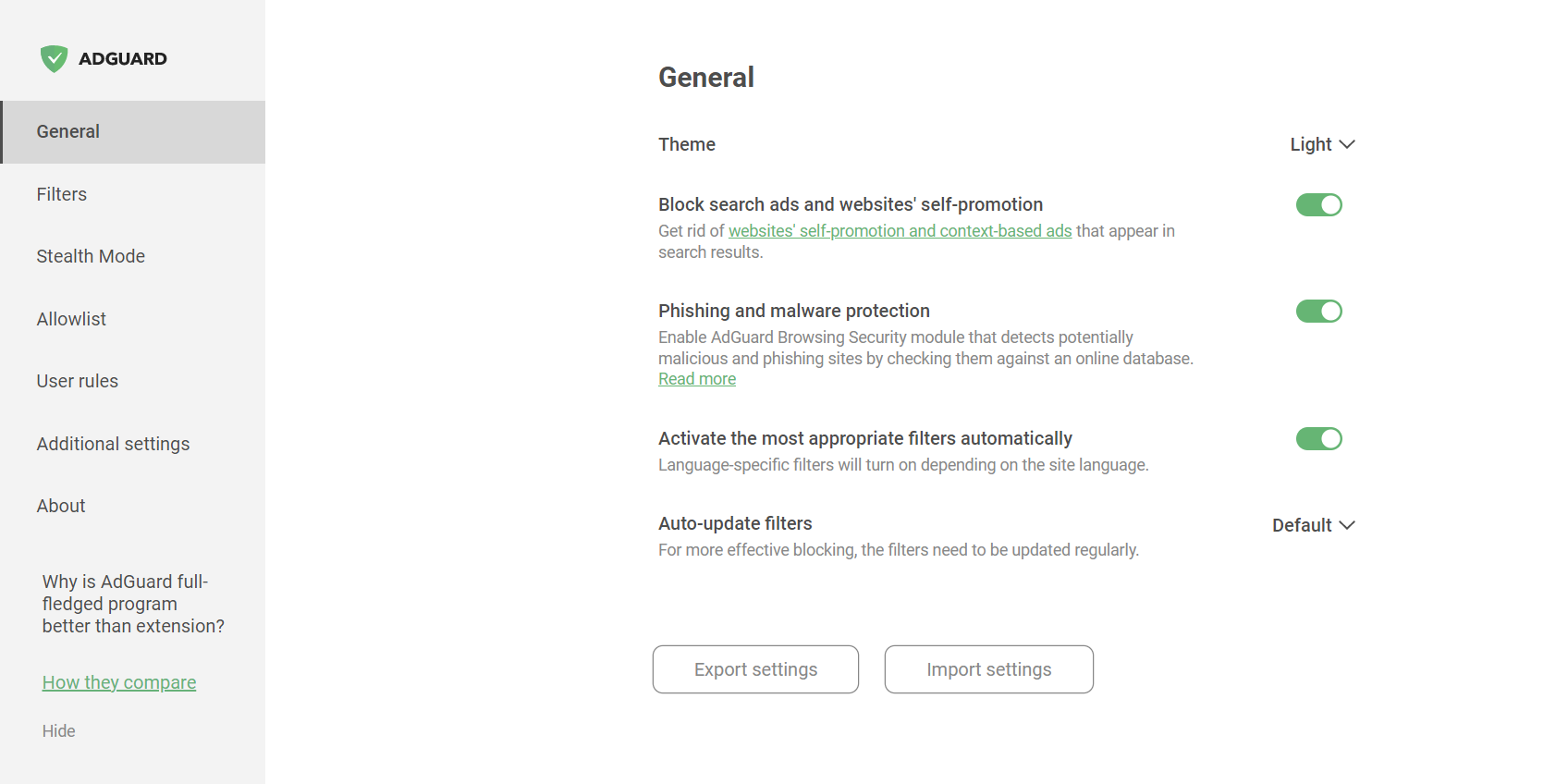
Besides, here you can enable Phishing and malware protection.
You can save your settings configuration by clicking the Export settings button. The settings will be saved as a .json file. To import the previously saved settings configuration, use the Import settings function. You can even use it to quickly switch between different settings profiles or even to transfer settings configurations between different browsers.
Additional settings
The Additional settings section contains a range of various settings that are related to the ad blocking process and application usability.
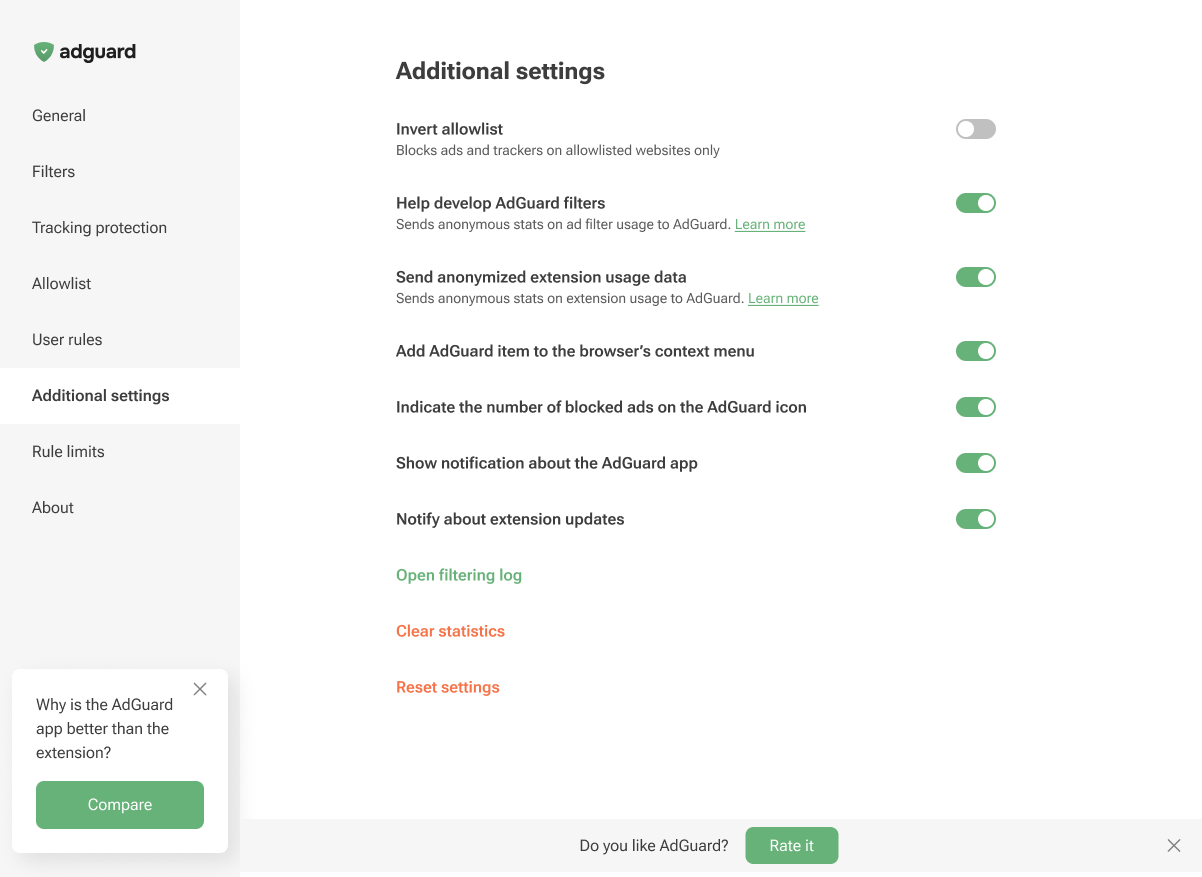
From this tab, you can invert the allowlist and add the AdGuard item to the browser’s context menu. You can also enable the display of the number of blocked ads on the AdGuard icon and notifications about extension updates. Additionally, this section lets you enable notifications about the AdGuard app, open the Filtering log, clear the statistics of blocked ads and trackers, or reset the settings.
Besides, you can opt to help us with the development of filters by sending the statistics on applied rules: which ones are triggered, on which websites, and how often. This option is disabled by default as we do not collect user data without consent. Yet, if you enable it, all data will be strictly anonymized.
You can also choose to help us improve the extension by sending us anonymized usage data. This includes the names of the screens you interact with, the names of the buttons you click, and session identifiers. These insights help us understand where users run into friction, refine the experience, and make the extension faster and easier to use. The Send anonymized usage data option is disabled by default. If you enable it, all data will be strictly anonymized and used only internally. It will never be shared with third parties.
The Send anonymized usage data option can also be enabled on the post-installation page in Chromium-based browsers.
About
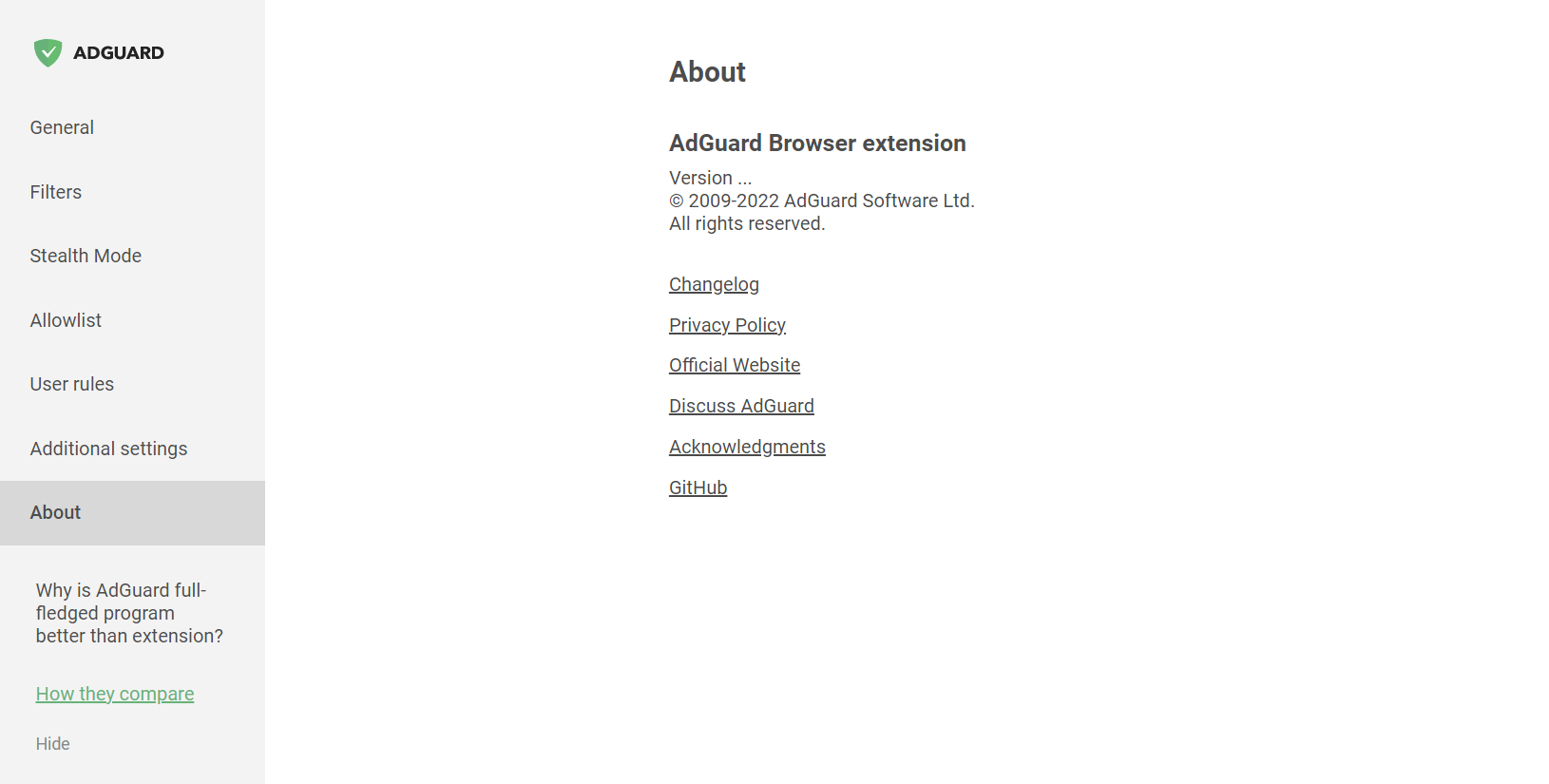
In the About section, you can find info about the current version, links to the EULA and Privacy policy, and to the repository of the Browser extension on GitHub.