AdGuard Mini for Mac v2.1: Theme selection and dark app icon
AdGuard Mini’s recent debut was packed with new features, but there’s always room for improvement. That’s why this update brings you some slight yet good-looking upgrades that enhance usability.
Manual theme selection
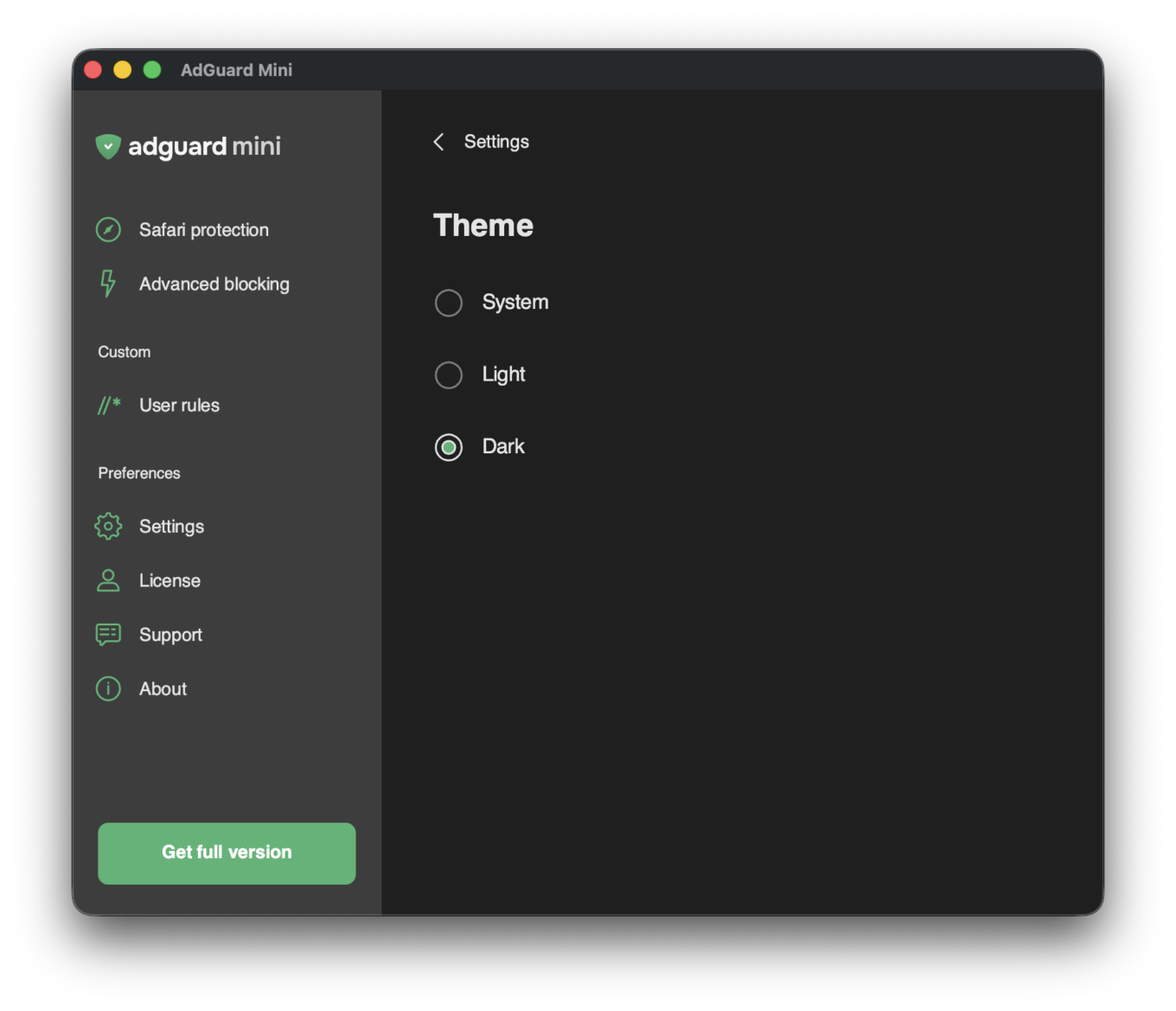
This feature is for those who want the AdGuard Mini app to have a light or dark theme regardless of what the current system theme is. Choose between three options and enjoy more flexibility in how the app looks.
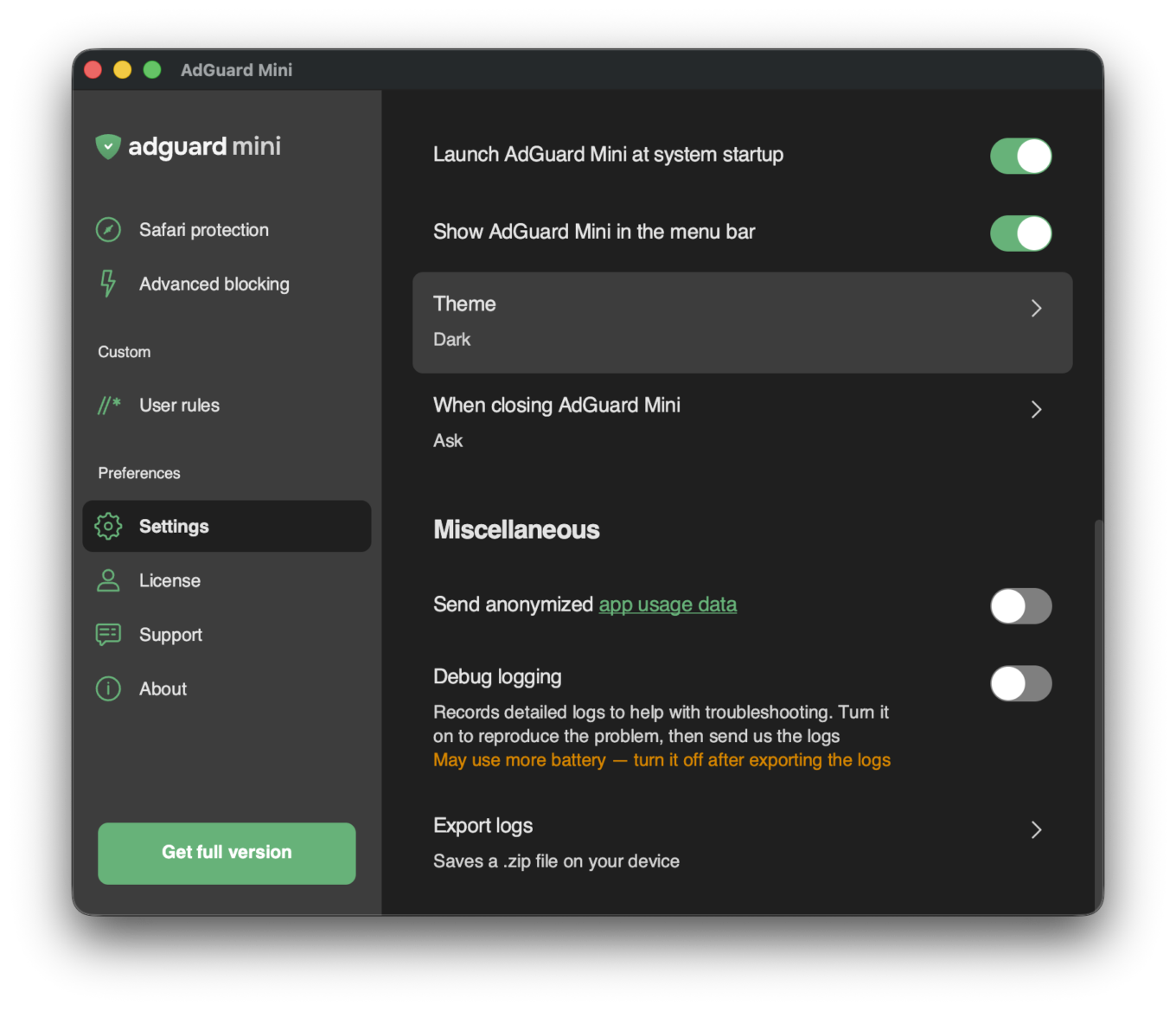
To access this new setting, go to Settings → Theme:
Dark app icon
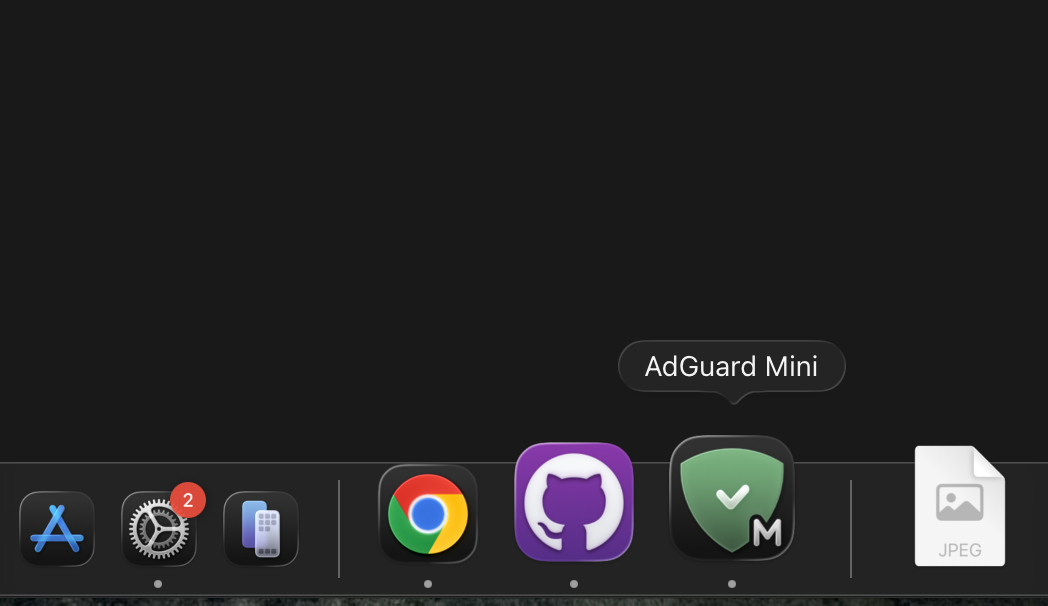
For AdGuard Mini to look even better when your macOS is in dark mode, we added a dark version for the app’s Dock icon.
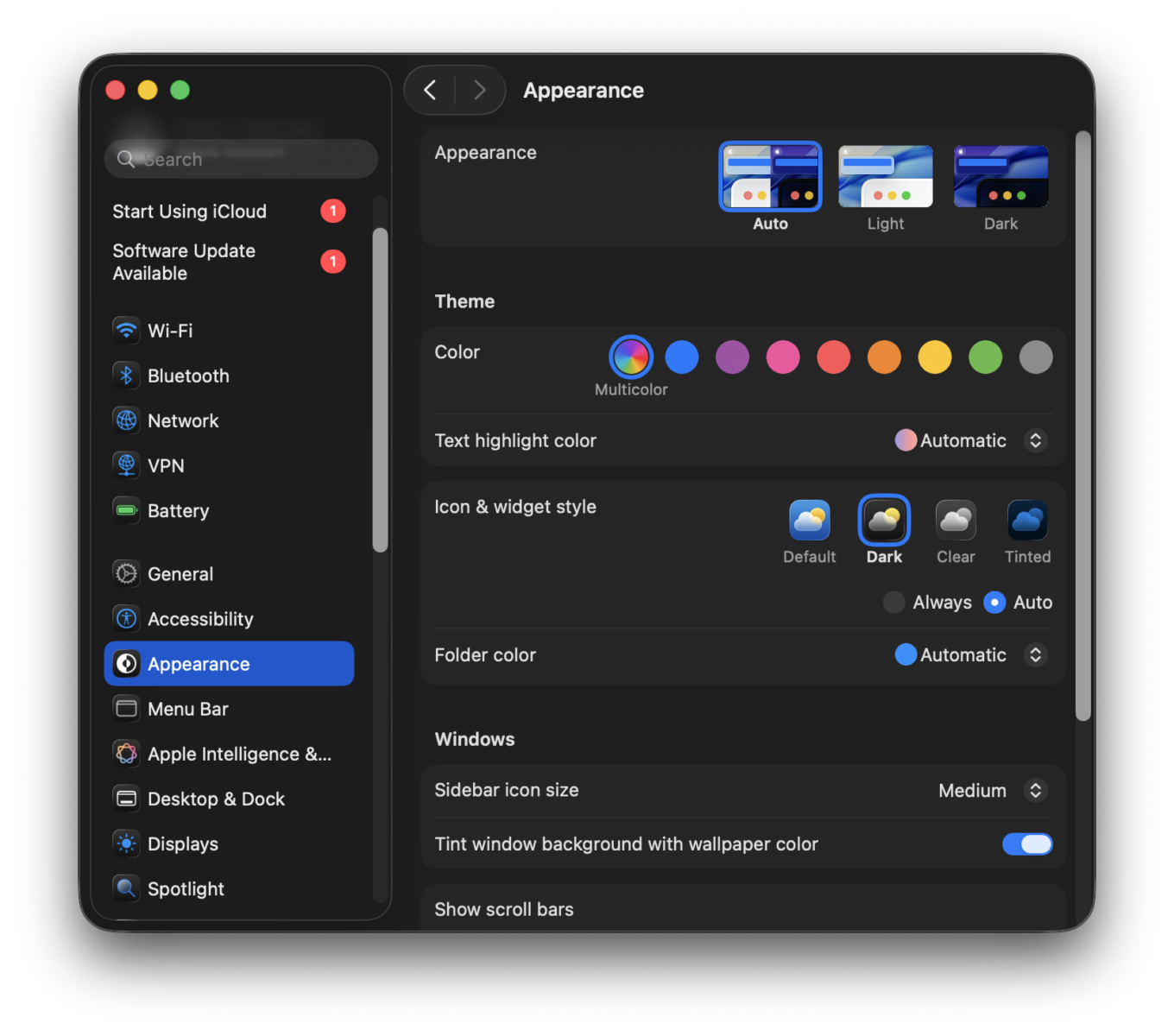
Tip: To see apps’ dark icons in the Dock when in dark mode, go to System Settings→ Appearance and set Icon & widget style to Dark.
This update also includes some fixes that improve the app’s stability and performance.
Your voice shows us the way
We’re constantly trying to make AdGuard Mini better for users, that’s why we can’t stress enough how important your feedback is for us. If you have any requests or suggestions, please share them on GitHub, on social media, or through the Support section inside the app.