AdGuard Mail v1.7: Try temporary email without signing in
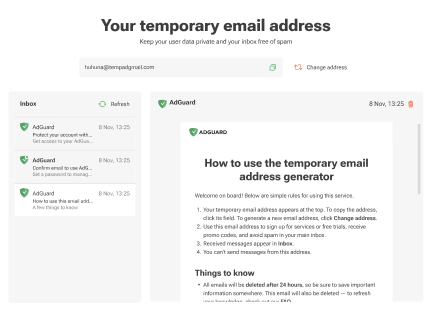
Trying AdGuard Mail just got easier. With version 1.7, you can get a free temporary email address and start using it right away — no AdGuard account or sign-in required. Just open AdGuard Mail, get your address, and you’re ready to go.
This makes it easier to try the service before creating an account or upgrading to the full version. And if you already use AdGuard Mail, there’s good news too: recommending it to friends and colleagues is now simpler. They can try temporary email without going through registration first.
Get a temporary email address without sign-in
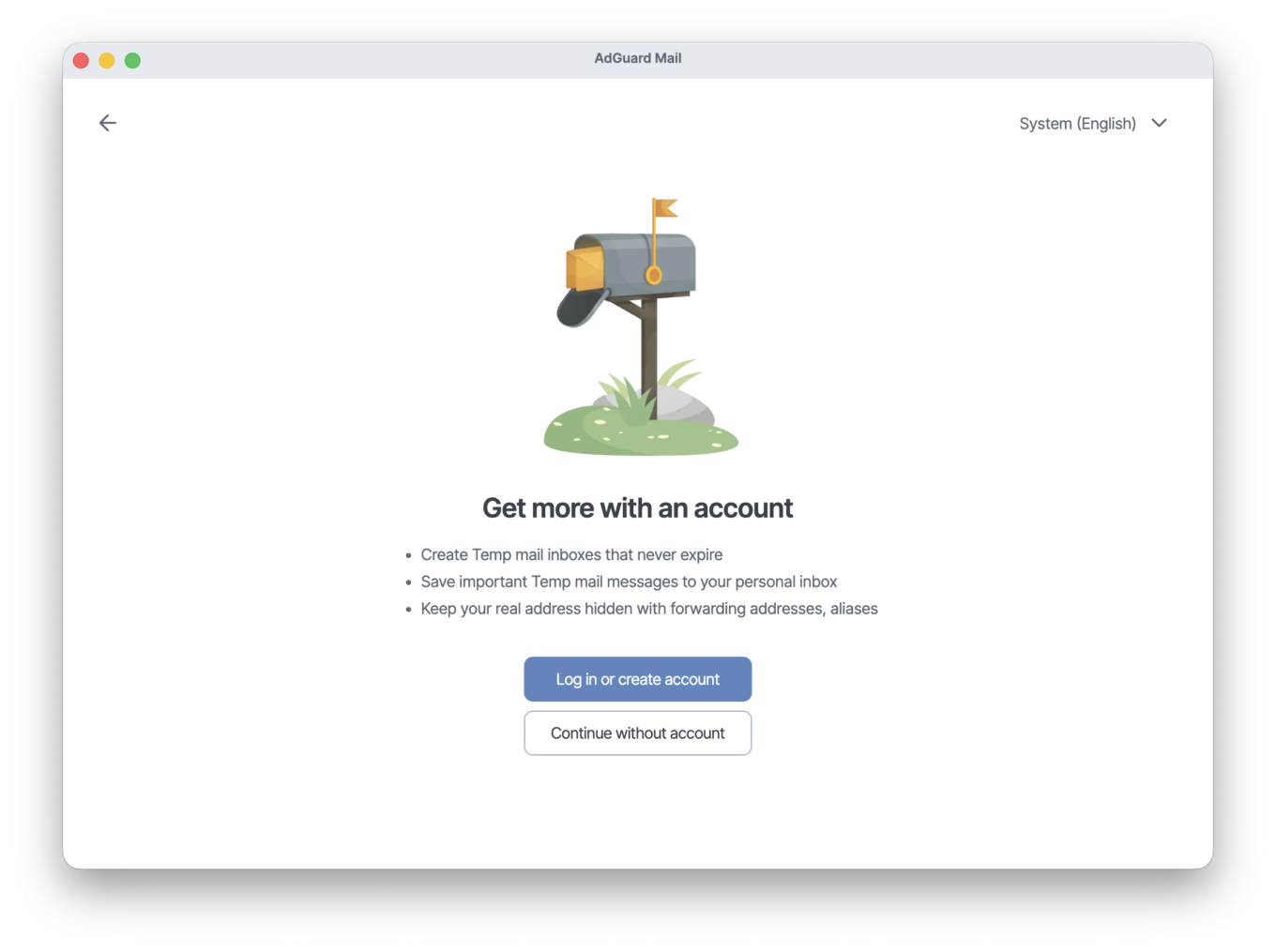
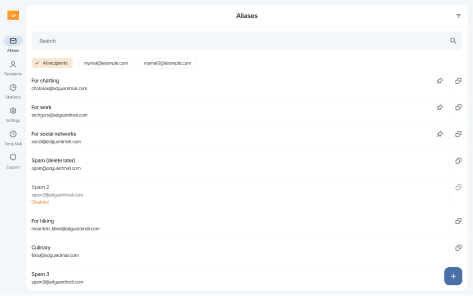
AdGuard Mail now offers a guest mode where you can get one free temporary email address and start receiving messages immediately.
It’s a quick and convenient way to protect your personal inbox when signing up for websites, trying out online services, or filling out forms you don’t fully trust. No registration, no extra steps — just a temporary address when you need one.
What can you do in guest mode?
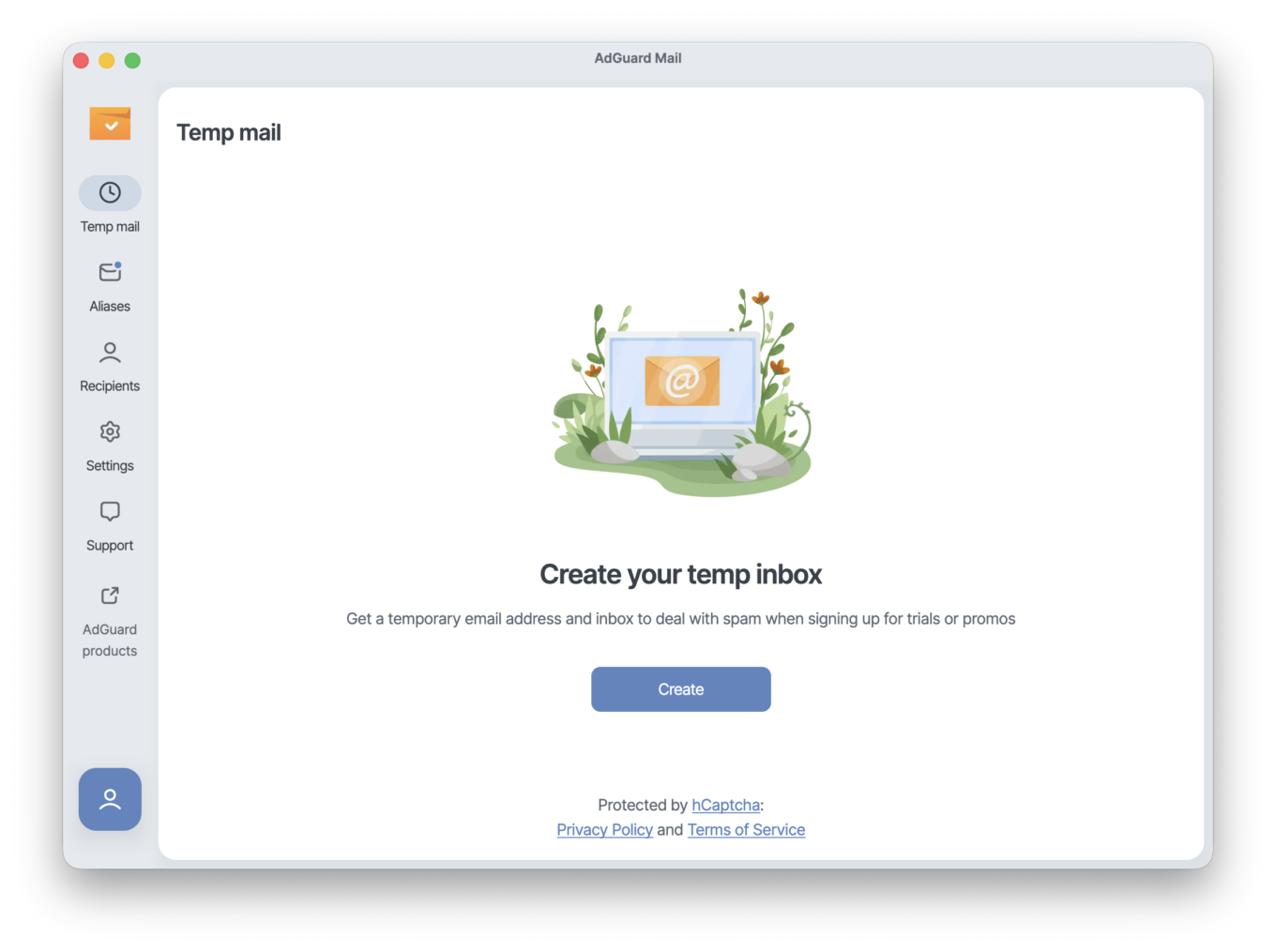
Guest mode gives you everything you need for everyday temporary email use. You can create and manage your temporary address, receive and read emails, and customize basic app settings such as the theme and language.
Need help? The Support section is available even without signing in. You can download diagnostic logs or use the Report an issue option to contact support. Just remember to enter your email address in the contact field so our team can get back to you.
There are a few things to keep in mind, though:
- Your guest mailbox is tied to your browser. On the web, it remains accessible as long as your browser session data is preserved. If you clear your cookies or switch browsers, you may lose access to it.
- Temporary addresses have a limited lifetime. An address remains active for up to 7 days after your last interaction with AdGuard Mail. The overall lifetime of a guest mailbox is limited to 6 months.
If you want to keep your data accessible more reliably and get more out of AdGuard Mail, you can sign in to your AdGuard account.
Why sign in to AdGuard Mail?
Guest mode makes it easy to get started, but signing in unlocks additional benefits:
- Keep your data on the web. Your mailbox data is saved, so you don’t have to rely on your browser session to access it.
- Get additional features. Enjoy more ways to manage and use your temporary email addresses.
- Sync your data. Access your AdGuard Mail experience across supported devices.
You can start with a guest mailbox and sign in whenever you’re ready. There’s no need to create an account just to try AdGuard Mail.
Your feedback is important to us
We’d love to hear what you think about the new guest mode! Try it out and let us know how it works for you. As always, if you have any suggestions, ideas, bug reports, or if you just want to share your experience, please send us your feedback via the AdGuard Mail form.