AdGuard Mini for Mac v2.2: Now with statistics stories
137 ads blocked. 43 trackers stopped. All while you were just reading the news.
AdGuard Mini has always worked quietly in the background — and that’s exactly how it should be. But in v2.2, we’re giving you a way to check in on all that invisible work. Meet the new statistics stories.
New statistics stories
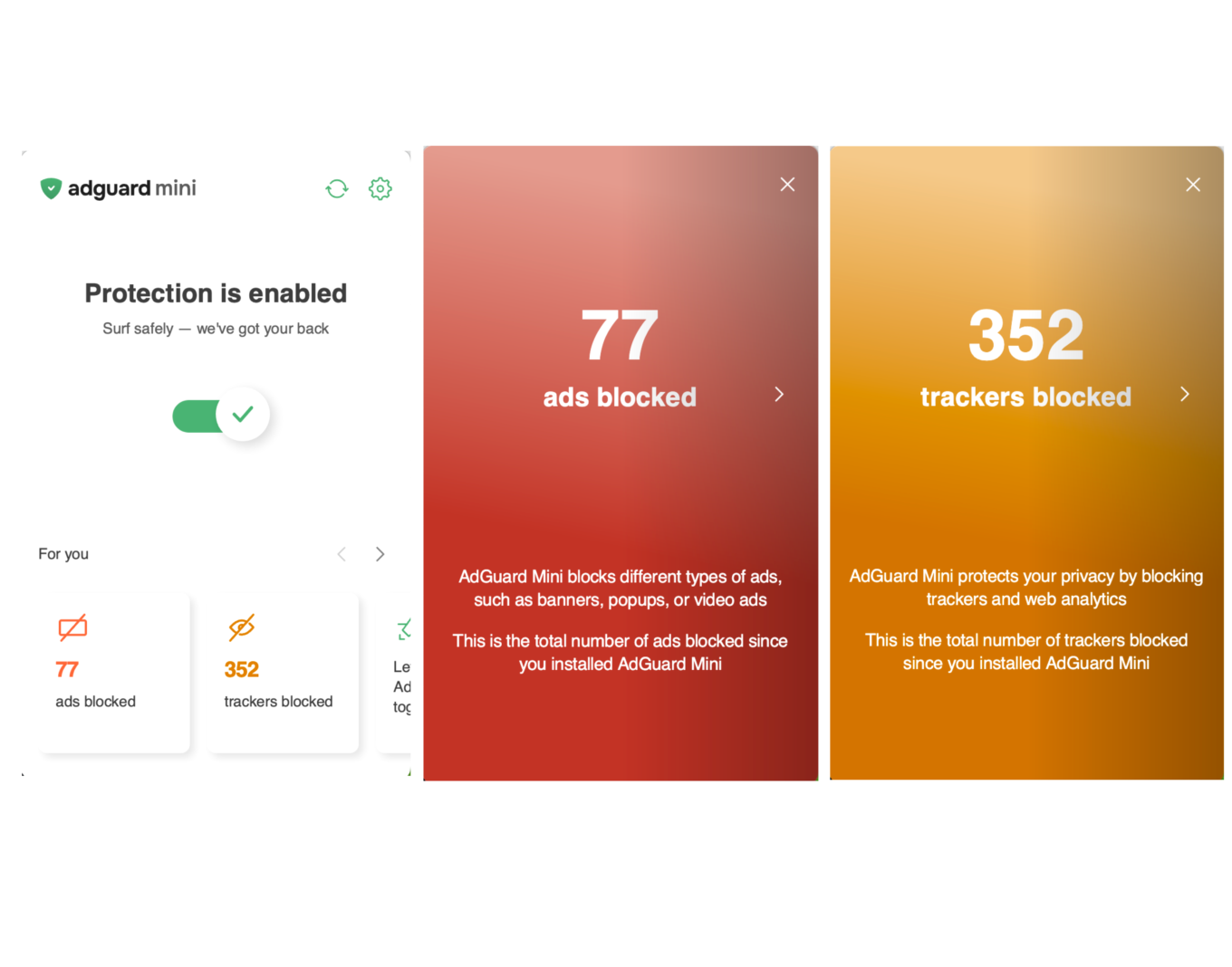
AdGuard Mini now includes two statistics stories in the menu bar popup — one for blocked ads, one for trackers. Check the exact count since you first launched the app.
AdGuard Mini now shows the number of blocked elements directly on the icon in Safari. Click the icon to see a full breakdown of blocked ads and trackers for the current page.
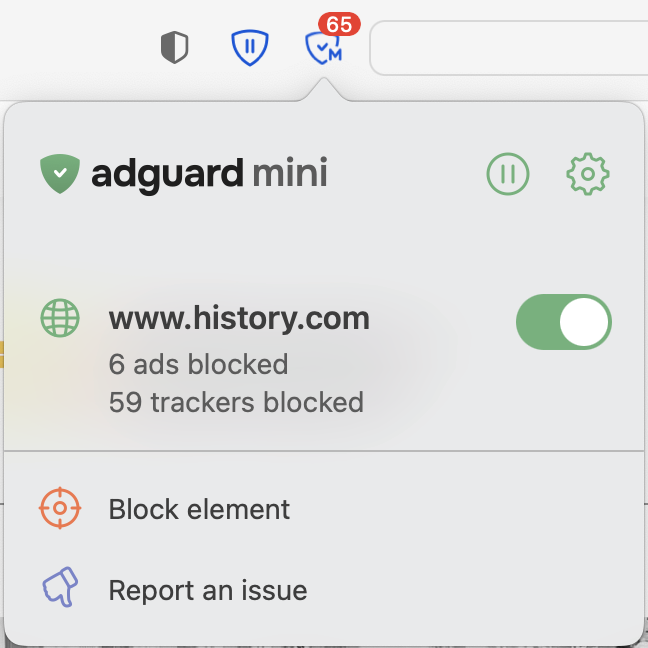
The count resets each time you open a new page. If you’d prefer to hide it, click the AdGuard Mini icon → gear icon → Settings and toggle off Indicate the number of blocked ads on the AdGuard Mini icon in Safari.
Share your feedback
Have a suggestion or spotted a bug? Let us know on GitHub or through our social media channels. Your feedback helps us make AdGuard Mini better with every update.