GTA VI is out and so are the scams targeting fans
GTA VI was released on November 19 for PlayStation 5 and Xbox Series X|S, taking players back to Vice City after a long 13-year wait. While the launch has predictably sent the gaming community into overdrive, the buzz has reached corners of the internet that rarely discuss games at all. As brands and creators jumped on the GTA bandwagon to make the most of the new marketing gimmick, the surge in interest has created fertile ground for scams aimed at fans and anyone whose interest has been rekindled.
Here are five cautionary tales from the run-up to launch. These scams were already doing the rounds well before release day, banking on an all-too-familiar temptation: getting something for free, getting it right now — or both.
A ‘giveaway’ that teases you with a game key, but sells your data instead
The first is a giveaway promising a free copy of GTA VI. On a site dressed in the game’s signature colors, you are invited to choose a platform — Xbox Series X|S or PS5 — and the promised key starts to appear on screen. All goes well until the last few characters fail to materialize, as though the page has run out of ink. To see the rest, you have to prove you are human: complete a survey, install an app, sign up for a trial. For a free copy of GTA VI, that looks like a fair price. But there is a catch.
What the page is really doing is selling you to the affiliate networks behind those too-good-to-be-true offers. The site’s operator is paid for every survey finished and every app installed. In its investigation, Netcraft found a bunch of such giveaway pages in the months before launch, including an “Official Community Giveaway” with a live feed of masked email addresses of those who supposedly already got the key and a counter insisting that 43 of 300 codes were left.
No key ever materializes. The “giveaway” is designed to earn the operator commissions from the surveys you complete, apps you install, and trials you sign up for. You may not hand the scammers any money directly, but you end up sharing your email address, phone number, and survey answers with several unfamiliar services. Those services use your details to track you and target you with ads, or sell them to other companies. The information can also help scammers write more convincing phishing messages: an email that knows your name and mentions a service you recently joined is easier to believe.
A ‘giveaway’ that fakes Google to take your password
The second is a giveaway that promises a free copy of the game in exchange for “verification” with your Google account. Who hasn’t used “Sign in with Google”? It’s a familiar shortcut you probably take every day, so even if you suspect that the giveaway comes with a catch, you’d expect it later in the process. Here, though, the sign-in itself is the catch.
After you choose a gaming platform, a familiar button appears — “Continue with Google.” The code, you’re told, will arrive at the email address linked to your account. But as Malwarebytes reported, clicking the button simply reloads the scam site and displays a copy of Google’s sign-in page, complete with a password field. Everything looks right except the domain in the address bar, which is an easy detail to miss if you don’t know what to look for.
The potential damage from filling out a fake Google sign-in form can be devastating. And this is because a Google account is rarely just email. If scammers get in, they can read your messages, access your files in Drive, and take over your YouTube account if you have one. Ironically, your inbox also can help them to hack your gaming accounts: they can request password resets and the reset emails themselves. They could even send emails to your friends or colleagues from your real address, asking for money or sharing phishing links with people who trust you.
The ‘GTA 6 APK’ that reads your phone and shows you ads
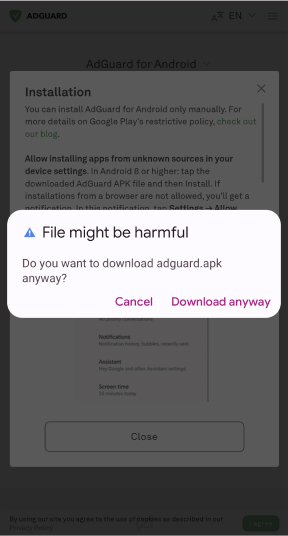
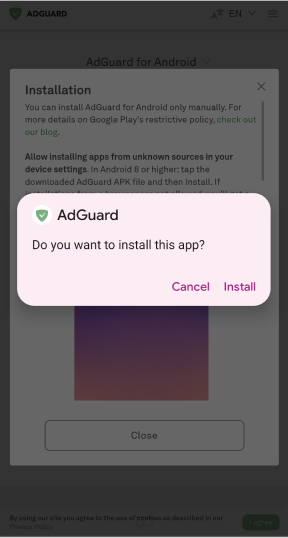
The third trap could have been avoided entirely, had the people falling into it known that there is no mobile version of GTA VI and none has been announced. A “GTA 6 APK” was spotted on an Android download page styled like an app-store listing, complete with a “security verified” badge. Though, once downloaded, it turns out to be not a game at all.
Instead, it was an app built around advertising software whose main job was to show ads. It first appeared in March 2024, more than two and a half years before the game’s release, and since then it has been uploaded more than 1,700 times under more than 90 names, among them “GTA 6 Mod APK Beta V8.0.9 Unlimited Money.” Malwarebytes, which analysed the APK, found that it could delete files, check for debugging tools, and read the phone’s carrier and country code.
Unlike with the fake Google sign-in above, here you need to download, install, and open the app before it can do any harm. Every ad you see in that app can earn money for the scammers who distributed it. You also risk losing files the app can access and having your device data used for profiling, while its checks for debugging tools may make its behaviour harder for security researchers to investigate.
The fake PC installer that asks you to switch off your antivirus
The fourth is a PC installer for GTA VI, which should already ring alarm bells. Rockstar has only released the game for PS5 and Xbox Series X|S. A PC version is expected to follow, but it has not been officially announced and has no confirmed release date.
In a campaign Cynet investigated, a shared notebook on Google Colab — Google’s free tool for writing and sharing code — advertised a GTA VI download. The link led to “Windows Software Hub”, complete with a download count and “Virus Free”, “Secure”, and “Verified” badges.
The download came with a README, a text file containing instructions. These told users to run the installer as administrator, giving it greater control over the computer, ignore a security warning, and add an antivirus exclusion if the file was blocked. The file turned out to be WARDEN Stealer, malware designed to steal saved passwords, gaming account details, and cryptocurrency wallet information. It could also secretly replace a cryptocurrency address you copied, tricking you into sending money to the wrong wallet, and download more malware.
A PlayStation Store clone that empties your crypto wallet
The fifth is a fake PlayStation Store, and it is the most polished scam of the five. It promises Grand Theft Auto VI: Ultimate Edition at $89.99, ten dollars below the official $99.99. In its investigation, Blockaid found a page copying the store’s design, complete with a pre-order button. A small discount on a familiar-looking website is a much easier offer to believe than a promise to give the game away.
Clicking that pre-order button opened a “Connect Wallet” window with familiar names such as Trust Wallet and Ledger, logos and all. Every option led to the same wallet drainer — software designed to trick you into approving requests that let scammers take your cryptocurrency. If you connect your wallet and approve the drainer’s request, you’re giving scammers permission to transfer the assets covered by it. That can mean losing an entire token balance, far beyond the $89.99 you expected to pay.
How to avoid scams and how AdGuard can help
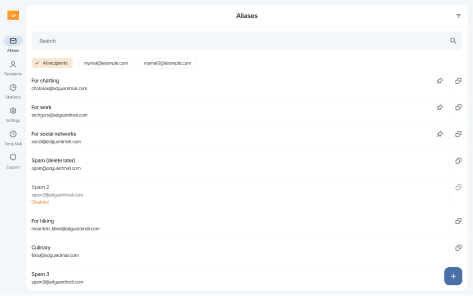
The methods that scammers use differ, but the defence is mostly the same: check the address before you type anything into it, and treat every shortcut — a free copy, a cheap key, and even a small discount out of nowhere — as suspicious. Don’t click Google, Apple, or Facebook sign-in buttons out of habit. Instead, consider creating a separate account with an email alias to share less personal information when you do sign in this way. Check who’s behind any app you install, and don’t grant permissions it doesn’t need.
If you think a website is suspicious, you can check its address with AdGuard’s security check tool. It shows whether the site has been flagged as dangerous. AdGuard’s threat database contains 1.5 million websites known for phishing or malware, identified among more than 15 million reviewed.
Our apps and browser extensions use this database to help block known scam sites before you enter a password or make a payment. The right product depends on your device and whether you want protection in one browser or across other apps too.
On a computer: AdGuard for Windows or Mac
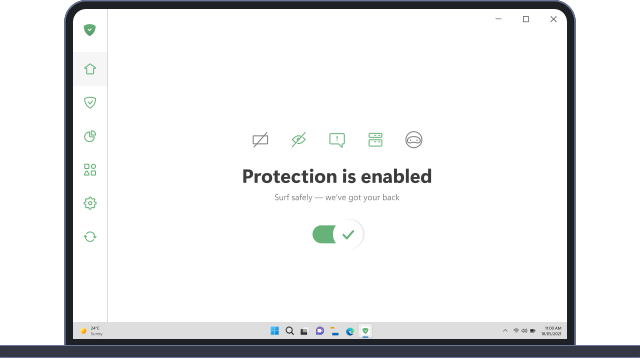
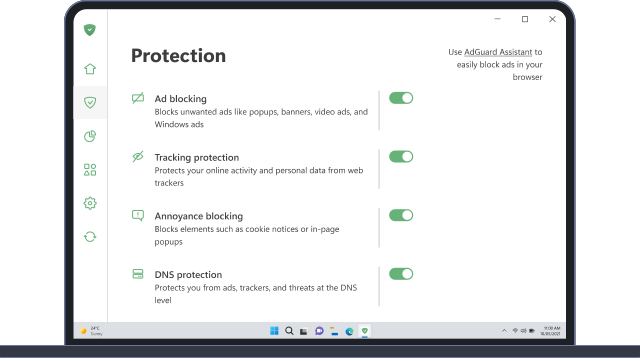
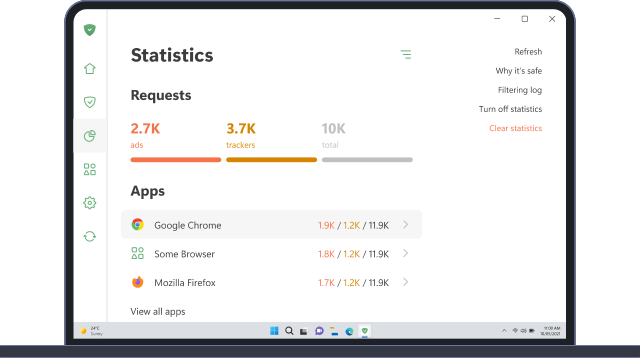
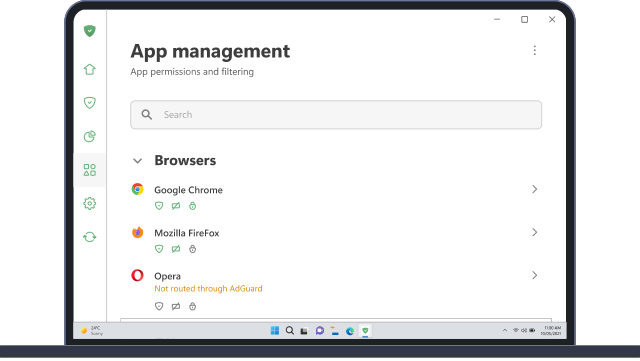
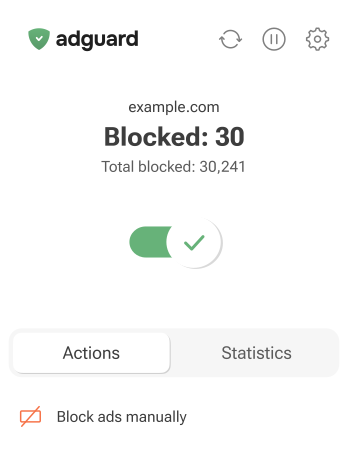
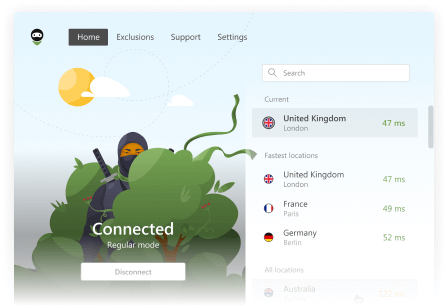
AdGuard for Windows and AdGuard for Mac block ads and trackers across browsers and apps. They check website addresses and the content pages load against a database of known threats. If a fake giveaway, download page, or shop is listed, AdGuard blocks access and shows a warning. To enable this protection, turn on Browsing Security in Windows Settings or Security in Mac Preferences.
In your browser: AdGuard Browser Extension
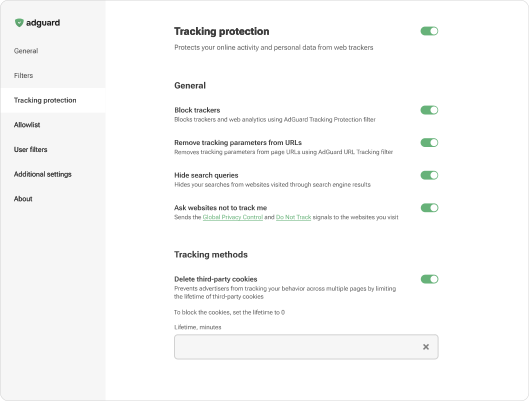
The free AdGuard Browser Extension blocks ads and trackers in the browser where you install it. Turn on Phishing and malware protection under Settings → General to add protection against known dangerous websites.
Its security check covers domain names rather than individual pages and everything they load, so the desktop apps offer broader protection.
On Android: AdGuard for Android
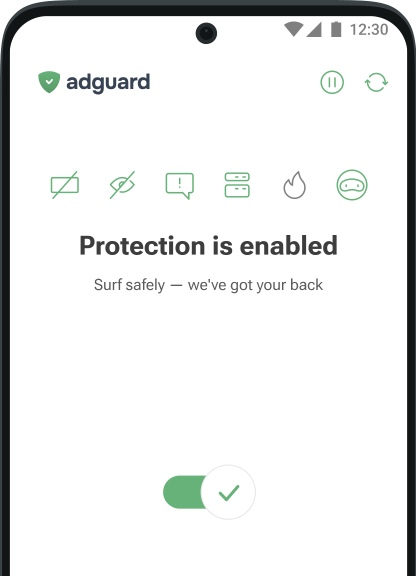
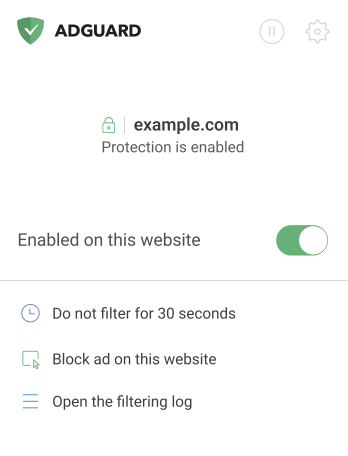
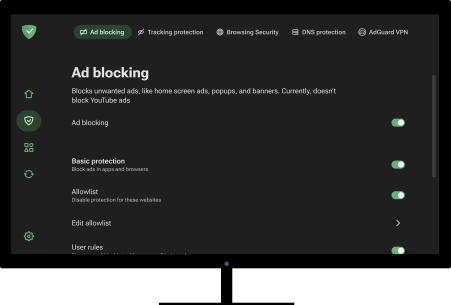
AdGuard for Android can help with both the fake download page and the advertising inside a fake game. Turn on Browsing security under Protection to block known dangerous sites. Then go to Protection → Ad blocking, and check that Basic protection is on — it is by default. Basic protection turns on the AdGuard Base filter and the AdGuard Mobile Ads filter, which block advertising requests inside apps when those requests match their rules.
That can cut off some of the ads a fake game depends on to make money. It doesn’t make the app safe to keep, however. Ad blocking inside apps and Browsing security are available in the paid version, while the free version blocks ads in browsers.
On iPhone and iPad: AdGuard for iOS
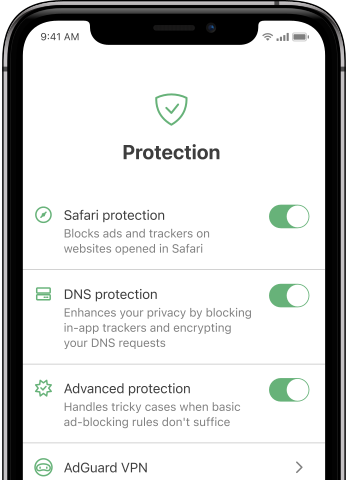
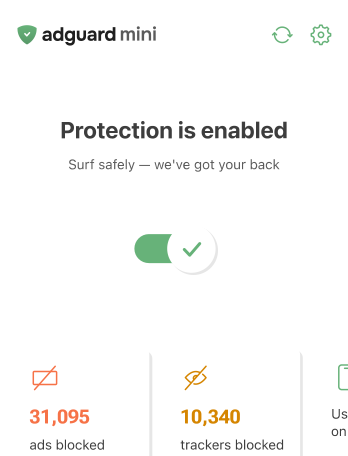
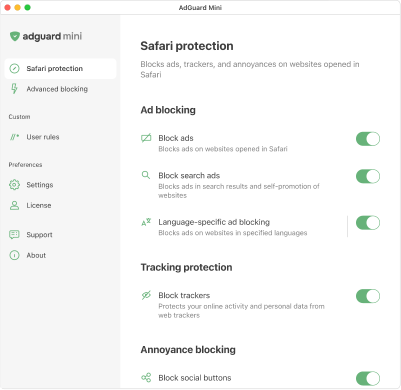
AdGuard for iOS blocks ads and trackers in Safari. With Premium, you can also enable security filters under Safari protection → Filters → Security.
For protection beyond Safari, turn on DNS protection and select a filtering AdGuard DNS server. This can block connections to known malicious domains from other browsers and apps too. Security filters and DNS protection are paid features.
On consoles and other devices: AdGuard DNS
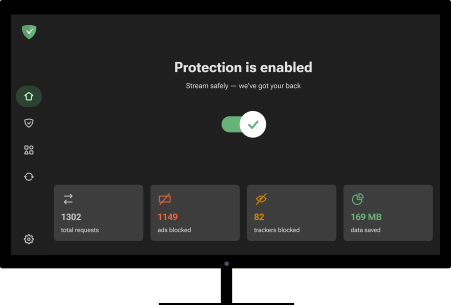
AdGuard DNS works through your device’s network settings, so you can use it on a console without installing an app. You can also configure it on a router.
Choose the free Default server to block domains known for ads, tracking, malware, and phishing. If a fake shop’s domain is covered, DNS protection can stop the connection before the shop opens.
None of these products scans installers or removes malware already running on your device. Keep your antivirus enabled, especially when a download’s instructions would very much like you to switch it off.