AdGuard launches on Meta Quest headset: One of the first ad blockers in VR
We’re excited to share that AdGuard is now available for select users as one of the first ad-blocking browser extensions for the Meta Quest Browser. With only around 10 extensions currently supported on the platform, this marks a big step toward a more customizable and privacy-focused browsing experience in virtual and mixed reality.
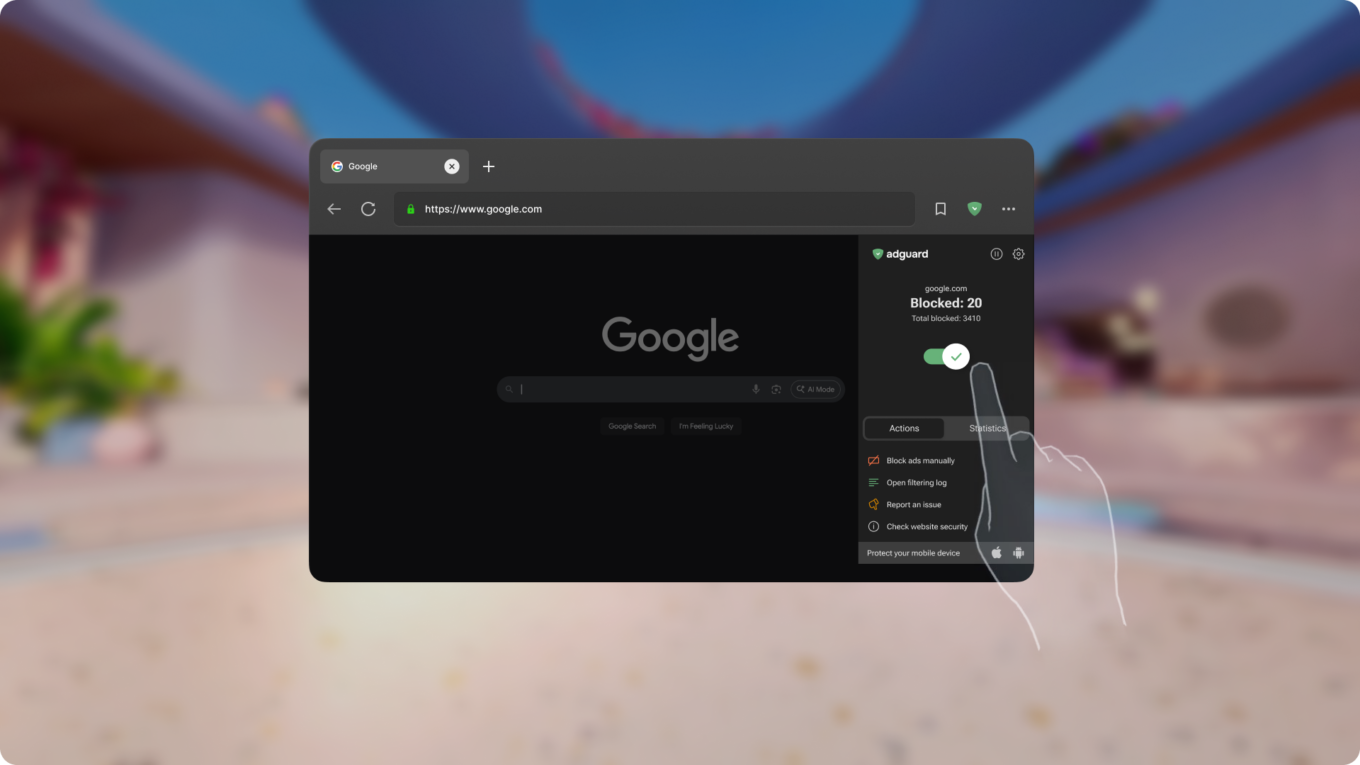
AdGuard for Meta Quest works just like our browser extension for Chrome: it blocks ads, trackers, pop-ups, and malicious websites, giving you a cleaner, faster, and more private web experience. Whether you’re reading, shopping, or exploring online in your Meta Quest headset, AdGuard helps you stay focused and in control. AdGuard works on Quest 2, Quest Pro, Quest 3, and Quest 3S.
This isn’t just another platform for us — it’s a leap forward in bringing distraction-free, secure browsing into immersive environments.
– Vladimir Ozersky, Lead Product Manager, AdGuard Ad Blocker
The AdGuard ad-blocking extension is compatible with the Meta Quest Browser starting with AdGuard Browser Extension v5.2.
Follow the steps below to install the AdGuard ad-blocking extension for your VR glasses.
🔧 How to Install AdGuard on Meta Quest
Follow these simple steps to add AdGuard to your Meta Quest Browser:
Open the Browser app on your Meta Quest device.
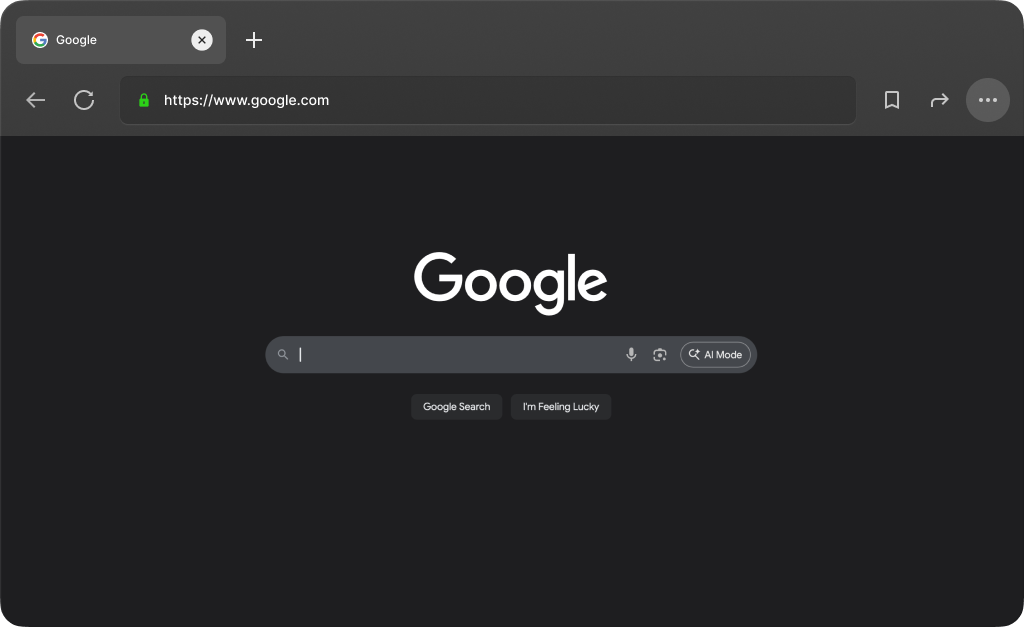
In the top-right corner, select the three-dot icon (Menu).
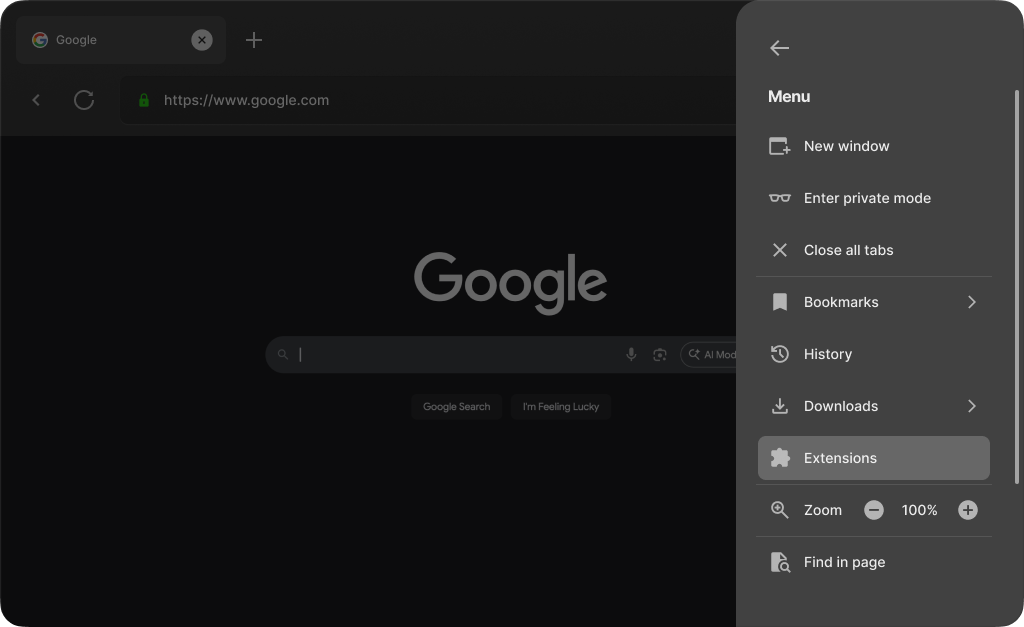
- Select Extensions from the menu.
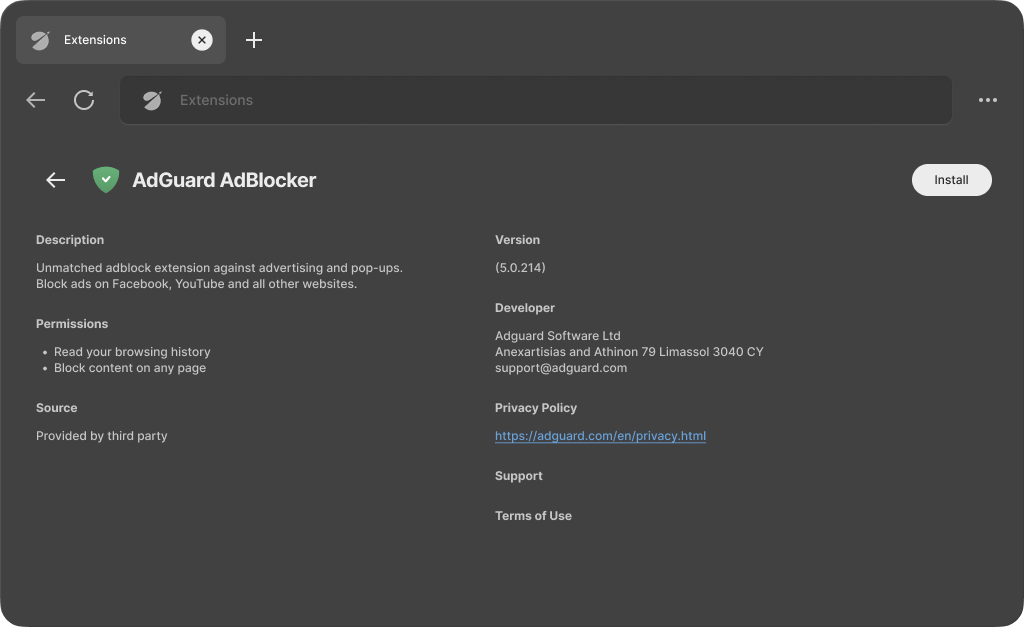
- Find AdGuard in the list and select it.
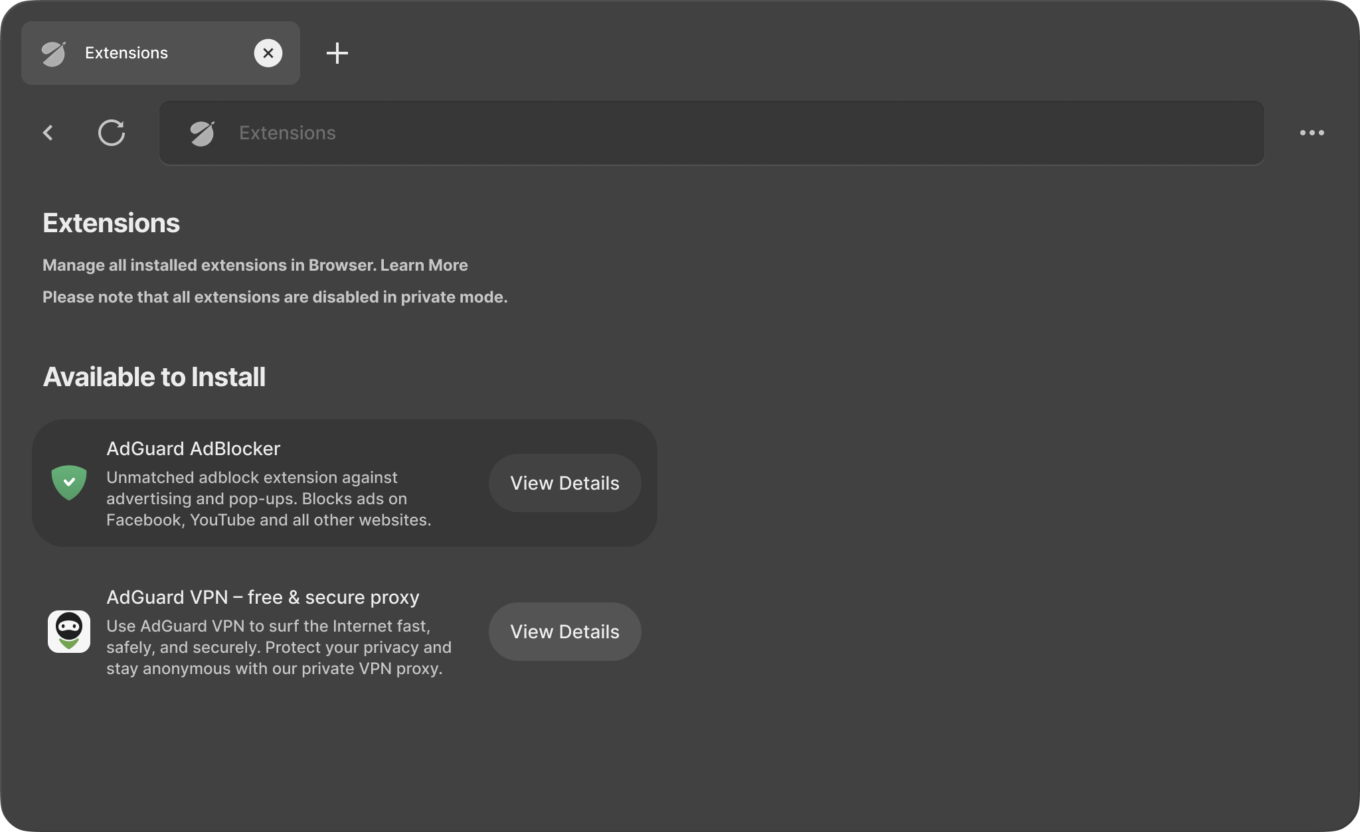
- Select Install and complete the installation process.
You’re set!
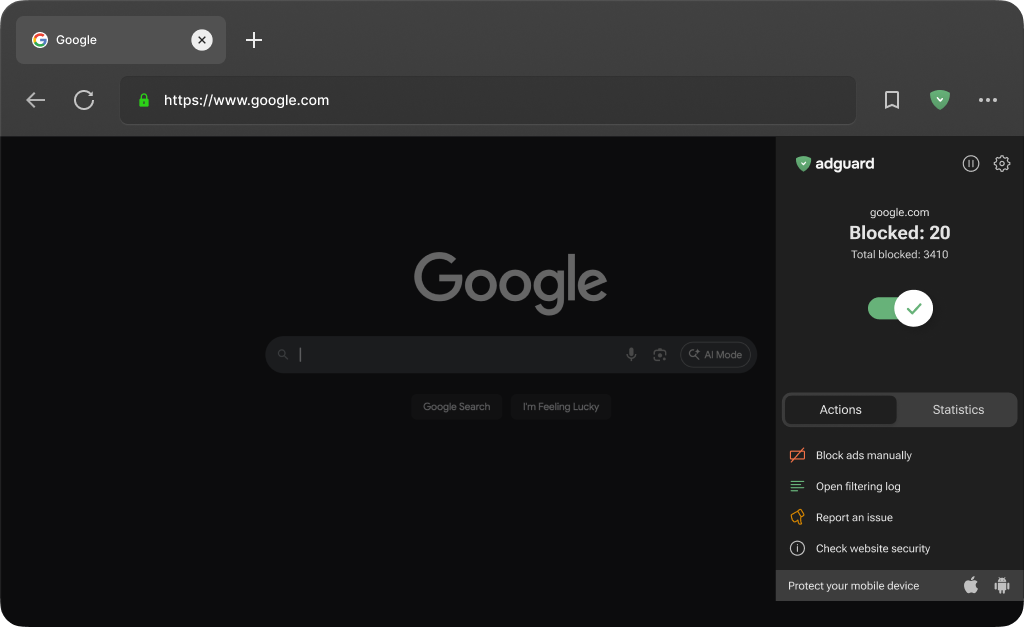
Once installed, AdGuard will work like any standard browser extension for Chrome.
Meta Quest Browser is built on Chromium and is part of a broader open platform. In early 2024, it introduced support for user-installable extensions through a limited beta program. Since then, the catalog has gradually expanded, and AdGuard now joins this curated selection with its ad-blocking extension. AdGuard VPN extension is also now available, bringing VPN support directly to the Meta Quest Browser for the first time.
Install AdGuard ad blocker on your Meta Quest headset today and enjoy a web experience that’s finally free from clutter, even in VR.