AdGuard for Android v4.16: Find settings faster and discover useful features
AdGuard for Android just got a little easier to explore! Version 4.16 introduces two new features to help you get around the app more easily and make the most of its capabilities.
Find any setting in seconds
With so many customization options available, finding a particular setting isn’t always easy. That’s why we’ve added a search bar to Settings. Just type in what you’re looking for, and AdGuard will take you straight to the relevant option.
Whether you’re new to AdGuard, fine-tuning your setup, or following instructions from our support team, you can now find the settings you need without scrolling through menus.
Discover more with Stories
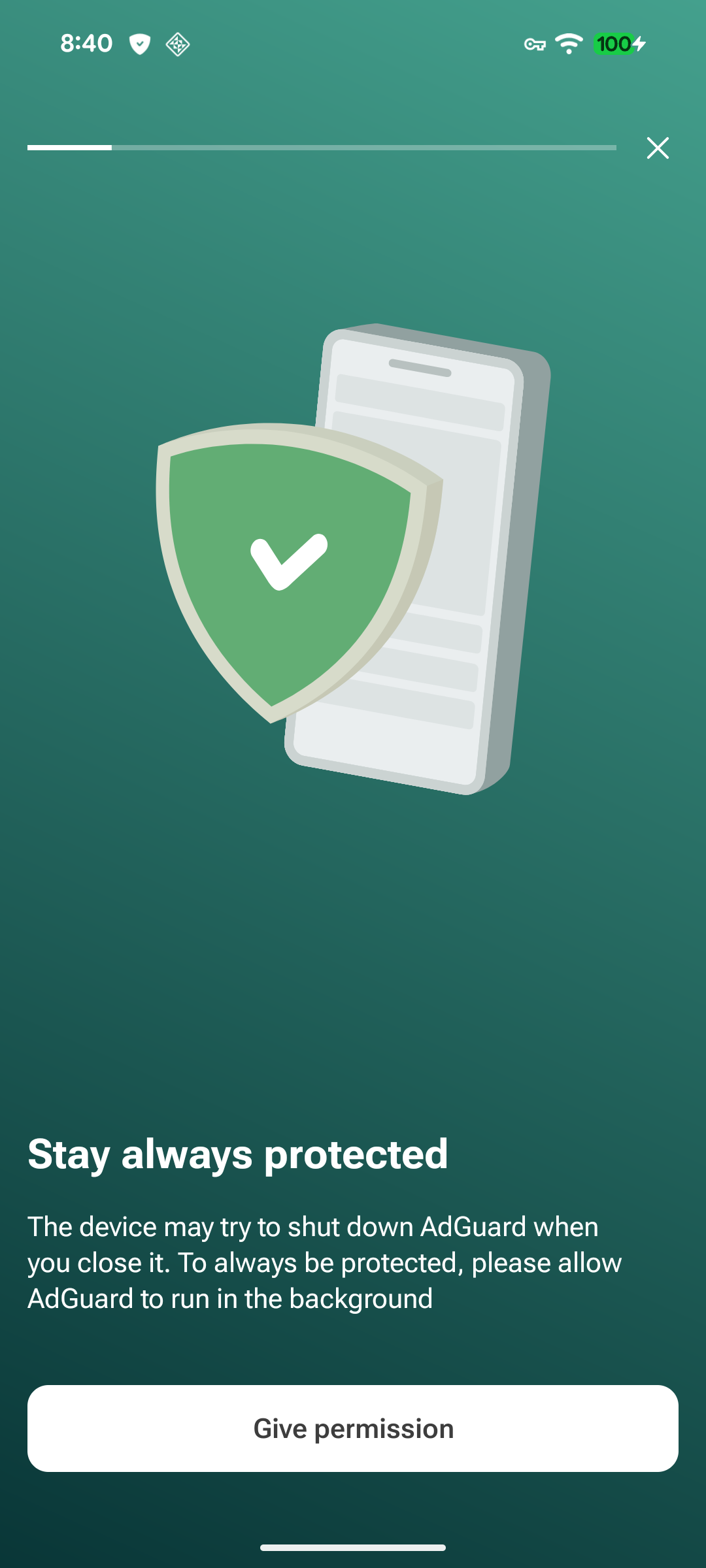
We’ve also added Stories to the home screen. They’re a handy way to discover AdGuard features, learn what the app can do, and pick up useful tips to get more out of your protection.
Tell us what you think
Have you tried the new features? We’d love to hear what you think! Share your feedback with us on social media or GitHub. Your suggestions and ideas help us make AdGuard better.