AdGuard Mail v1.5: new look, easier updates
We don’t normally stop to talk about every new AdGuard Mail version, but v1.5 comes with so many visible improvements that it feels worthy of a proper introduction: from updated visuals to simpler interactions and smarter updates, this release is focused on making the app look and feel better in everyday use. Let’s see what’s new in v1.5.
A more comfortable interface
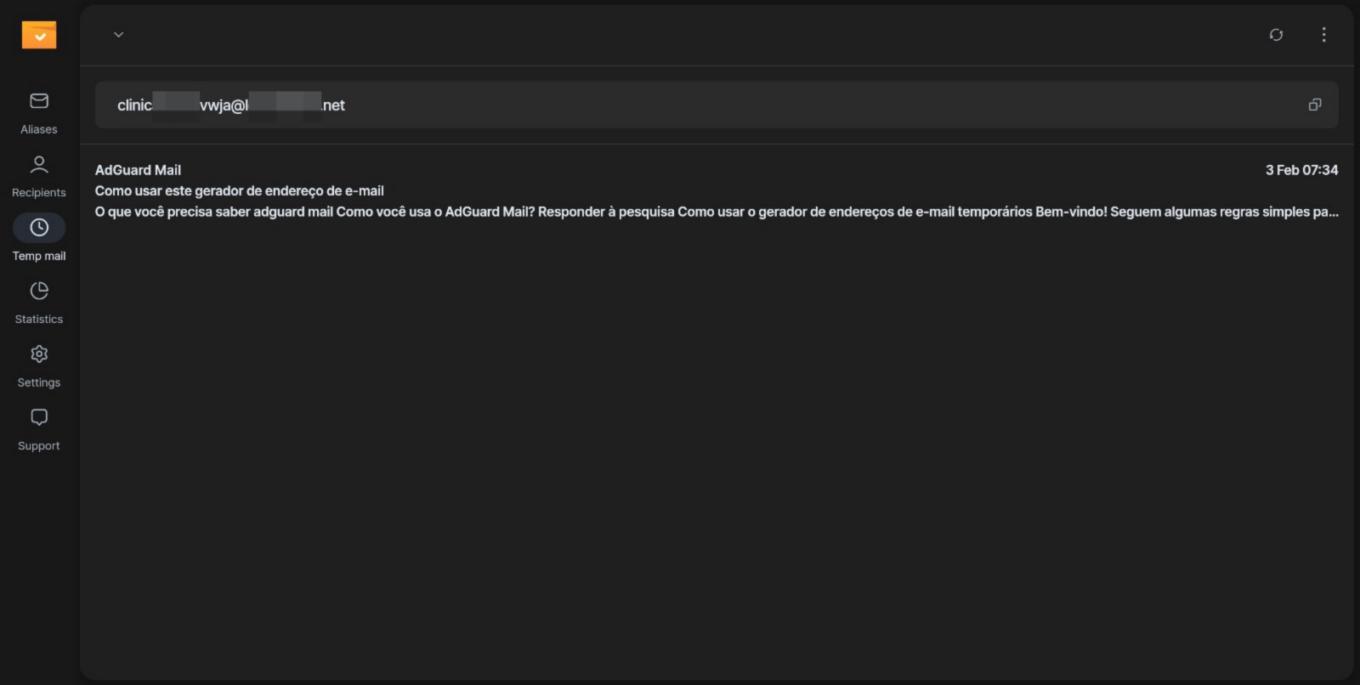
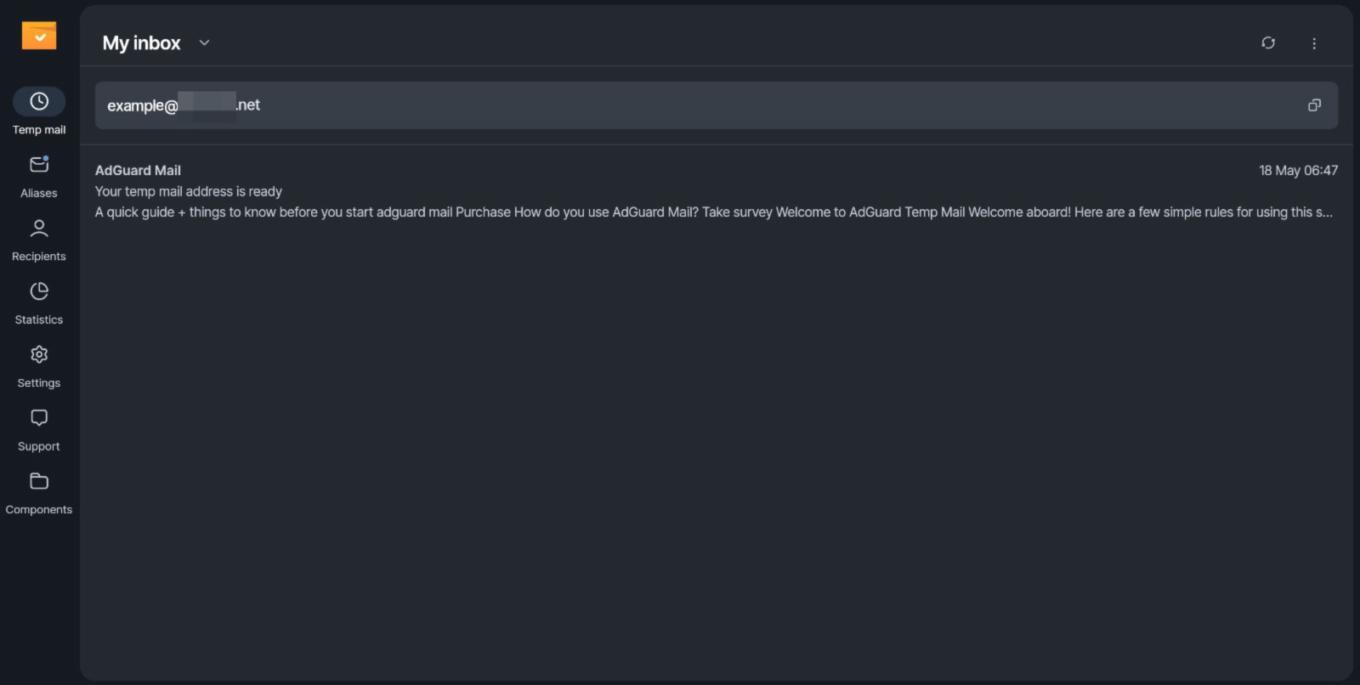
AdGuard Mail before and after
We polished the interface, gave the app a fresh look with new colors, and improved the overall experience to make everything feel cleaner and more intuitive.
We also simplified navigation by removing swipe animations and replacing them with visible action buttons. Less hidden functionality, fewer accidental gestures, and quicker access to the actions you actually need.
Keeping AdGuard Mail up to date is now much easier
Starting with v1.5, the app can notify you whenever a new version is available. Once you see the update prompt, simply click it to begin the update process directly from the interface.
What if you’re already using the latest version? Then nothing changes — which means users updating to v1.5 won’t notice this feature just yet.
Temp mail takes the spotlight
We’re gradually shifting more focus toward temporary email addresses, and the app’s main screen now reflects that. From now on, the default screen opens with Temp mail instead of Aliases.
Aliases are still very much part of AdGuard Mail and, to make sure they remain easy to find, the new home screen includes a reminder that your aliases are still there whenever you need them.
Tell us what you think
Your feedback plays a huge role in improving AdGuard Mail, and we’d love to hear what you think about the new release. If you have suggestions, ideas, bug reports, or just want to share your experience, send us your feedback via the
AdGuard Mail form.