We think it’s about time to structure our development plan for Adguard, and tell our users about it. From time to time, we told you about our plans for the future, but we have never gathered them in one place.
Finally we are ready to start the open testing of Adguard for Firefox! Adguard is an adblocker of new generation. We don’t hold on to the code, written years ago. We listen carefully to our users and react to their wishes and suggestions.
Twitter is aiming to increase its profits by giving you even more advertisement than before. Company’s new suite allows various companies to advertise their apps in promotional tweets. Twitter also allows to put advertisements inside other apps.
Cyber bullying, unauthorized websites, pornographic materials, pirates – these are great and dangerous threats. All these threats are very dangerous. Thankfully now parents have a number of utilities that stop the spreading of corrupting information.
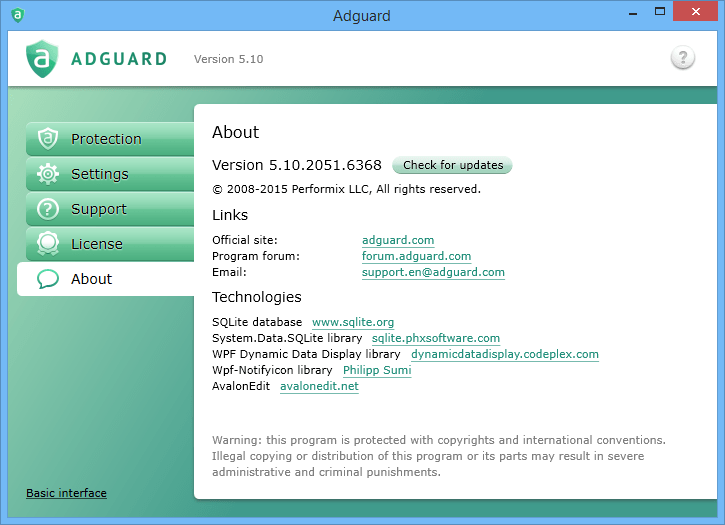
Version 5.9 of Adguard brings a lot of changes and new features. One important change is an ability to install extensions to Adguard. Adguard extension is in fact the userscript.
From now on, our new users can get a personal web account for Adguard right from the installer. Not only it allows you to control licenses and computers, it also provides an easy way to get information on our seasonal discounts and promotions. And as always we are glad to hear any feedback from you.
We’ve got tons of messages asking us to make Adguard free. So we’ve decied to create a free lite version of Adguard for Google Chrome and keep as much functionality as possible. And today we are proud to present you the result of our hard work — Adguard extension
Downloading AdGuard
To install AdGuard, click the file indicated by the arrow
Select "Open" and click "OK", then wait for the file to be downloaded. In the opened window, drag the AdGuard icon to the "Applications" folder. Thank you for choosing AdGuard!
Select "Open" and click "OK", then wait for the file to be downloaded. In the opened window, click "Install". Thank you for choosing AdGuard!
Install AdGuard on your mobile device
Installation
AdGuard for Android is available in the following app stores:
AdGuard can’t be published on Google Play. For more details, check out our blog. If you’re using Google Play, follow these instructions to manually install AdGuard for Android.
1. Allow downloading
If your browser displays a warning, allow downloading adguard.apk.
Installation permissions
If installations from your browser are not allowed, you’ll get a notification. In this notification, tap Settings → Allow from this source.
Note for Samsung users with One UI 6 (Android 14) and newer
On some Samsung devices, the Auto Blocker feature may prevent APK installations. To install the app:
Open your device settings.
Go to Security and privacy.
Scroll down and tap Auto Blocker.
Disable the setting.
You can re-enable this feature after the installation.
2. Install the app
In the pop-up dialog, tap Install.
3. Launch the app
Wait for the installation to complete and tap Open. All done!
Scan to download
Use any QR-code reader available on your device
Scan to download
Use any QR-code reader available on your device
Download an older AdGuard version?
This OS version isn’t supported. You can use an older version of AdGuard, but it won't receive updates
By downloading the program you accept the terms of the License agreement